Fix Could Not Resolve Proxy in WSL

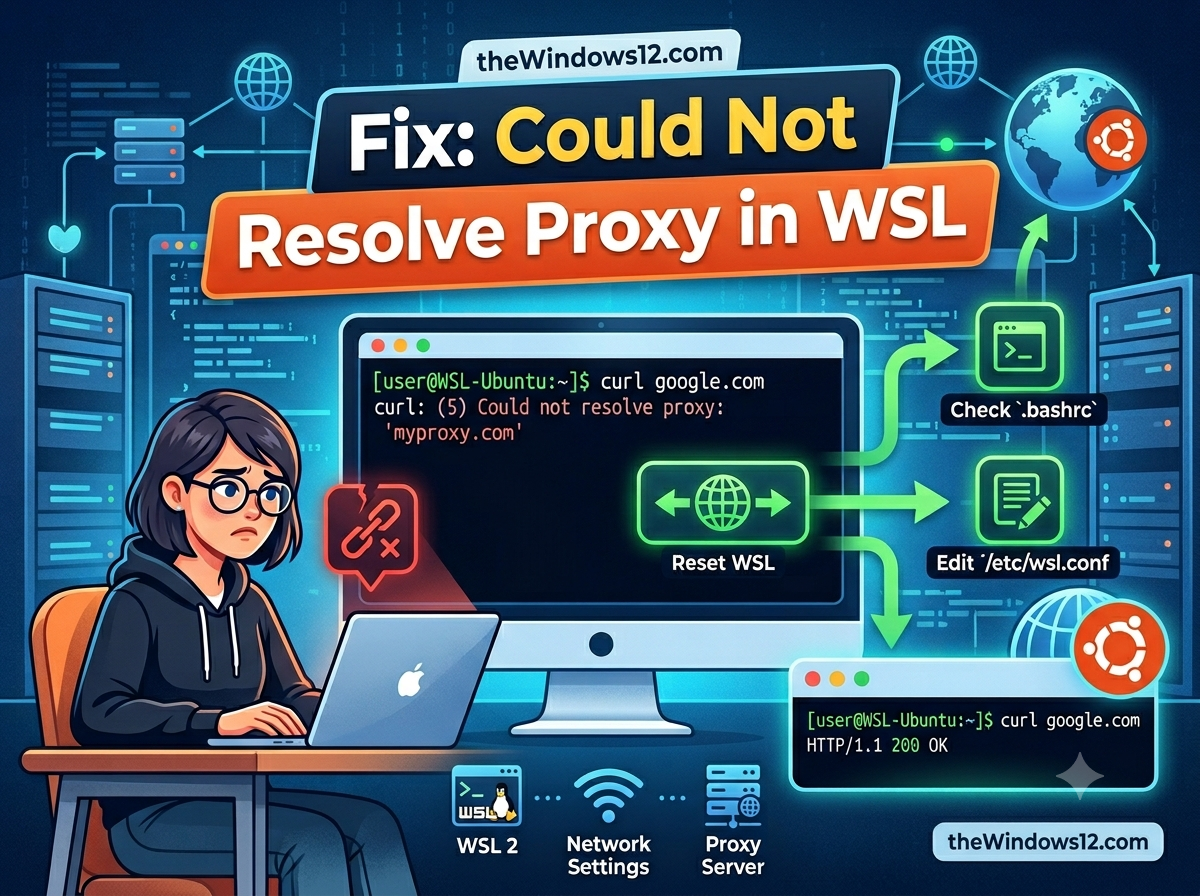
Fix "Could Not Resolve Proxy" in WSL — Complete Troubleshooting Guide

git clone fails with “could not resolve proxy.” apt update hangs forever. curl returns “Could not resolve proxy: 127.0.0.1.” You know the proxy is running on Windows — so why can’t WSL see it? Quick fix: In WSL’s default NAT mode, 127.0.0.1 refers to WSL itself, not your Windows host. Switch to mirrored networking in .wslconfig and the proxy becomes reachable at localhost. If you can’t use mirrored mode, point your proxy to the Windows host IP instead of 127.0.0.1. ...
June 17, 2026 · 6 min · 1156 words · Louis
WSL Mirrored Networking Mode Is Not Supported

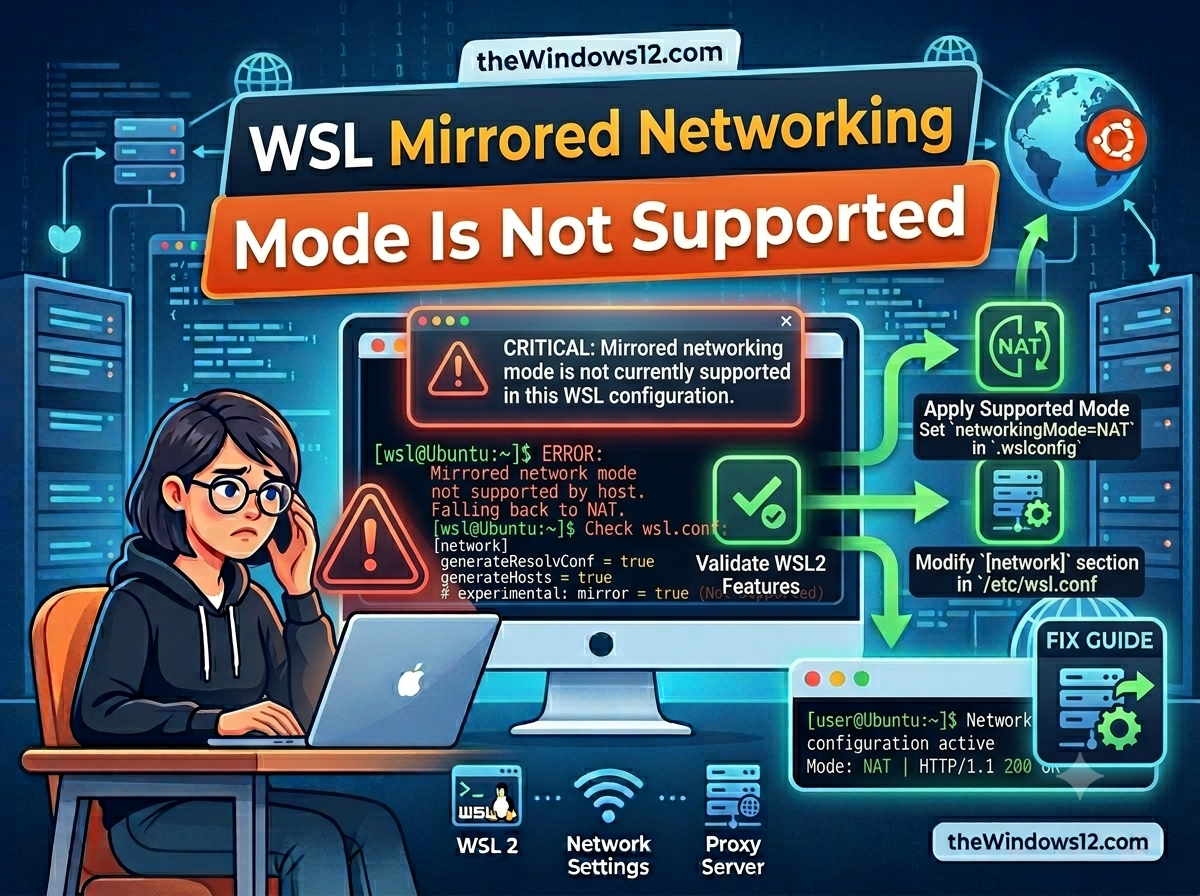
WSL Mirrored Networking Mode Is Not Supported — How to Fix It

You added networkingMode=mirrored to your .wslconfig, restarted WSL, and instead of the smooth networking you expected, you got: “mirrored networking mode is not supported.” Frustrating, especially when every guide tells you mirrored mode is the fix for proxy issues. Quick fix: This error means your Windows version or WSL version doesn’t support mirrored networking yet. Run wsl --update and make sure you’re on Windows 11 22H2+ or Windows 10 Build 19045+. If you can’t upgrade, use the NAT mode workaround below. ...

June 17, 2026 · 5 min · 912 words · Louis
Fix WSL HTTP Proxy Change Detected

Fix WSL "An HTTP Proxy Change Has Been Detected" — Complete Guide

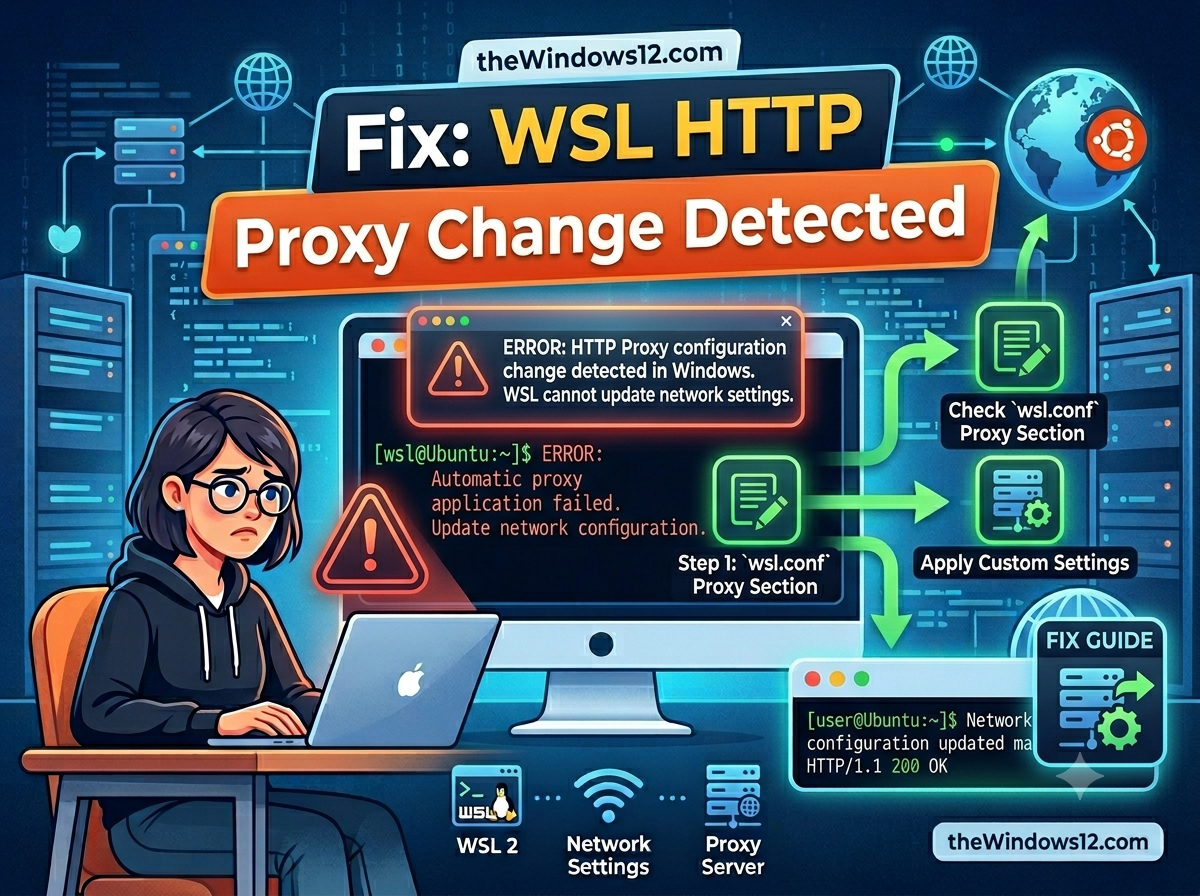
You open WSL and there it is again: “An HTTP proxy change has been detected.” Sometimes it’s just a warning, sometimes your git clone, npm install, or apt update straight-up fails because WSL can’t reach the internet through your proxy. Quick fix: This warning means your Windows proxy settings changed and WSL hasn’t caught up. The permanent solution is to enable mirrored networking + autoProxy in .wslconfig. Create or edit C:\Users\YourUsername\.wslconfig: ...

June 17, 2026 · 6 min · 1071 words · Louis
Fix WSL localhost proxy not mirrored error

Fix "WSL Localhost Proxy Not Mirrored" Error — Switch to Mirrored Mode in 2 Minutes

Seeing the dreaded “localhost proxy configuration detected but not mirrored to WSL” warning every time you start WSL? Your Windows proxy (like Clash, V2Ray, or any local proxy on 127.0.0.1) can’t reach WSL because NAT mode isolates their localhost addresses. The fix is simple: switch WSL to mirrored networking mode. Quick fix: Create or edit C:\Users\YourUsername\.wslconfig and add networkingMode=mirrored + autoProxy=true under [experimental]. Then run wsl --shutdown and restart. Done — your proxy now works inside WSL automatically. ...

April 28, 2025 · 4 min · 798 words · Louis
Fix WSL Error 0x80071772 in 5 Minutes

Fix WSL Error 0x80071772 in 5 Minutes — Step-by-Step Guide

Getting error 0x80071772 when trying to install Ubuntu or any WSL distro from the Microsoft Store? You’re not alone — this is one of the most common WSL installation errors, and the fix takes under 5 minutes. Quick fix: Error 0x80071772 occurs because WSL packages can only be installed on the C drive. If your Windows “New apps will save to” setting points to another drive, WSL installation will fail. Change it to C drive, reinstall, and you’re done. ...

April 25, 2025 · 3 min · 610 words · Louis