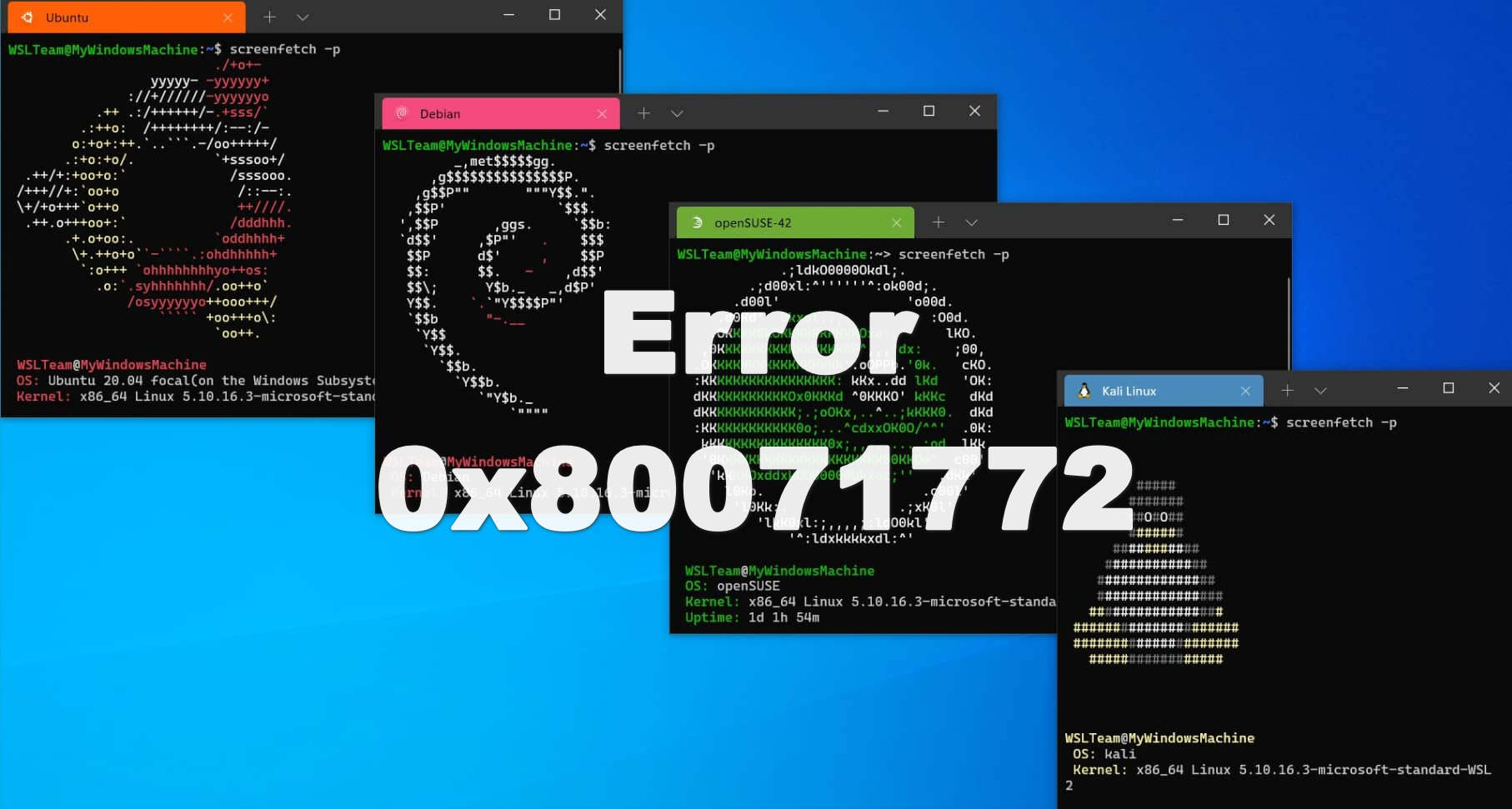
Fix WSL Error 0x80071772 in 5 Minutes — Step-by-Step Guide
Getting error 0x80071772 when trying to install Ubuntu or any WSL distro from the Microsoft Store? You’re not alone — this is one of the most common WSL installation errors, and the fix takes under 5 minutes. Quick fix: Error 0x80071772 occurs because WSL packages can only be installed on the C drive. If your Windows “New apps will save to” setting points to another drive, WSL installation will fail. Change it to C drive, reinstall, and you’re done. ...