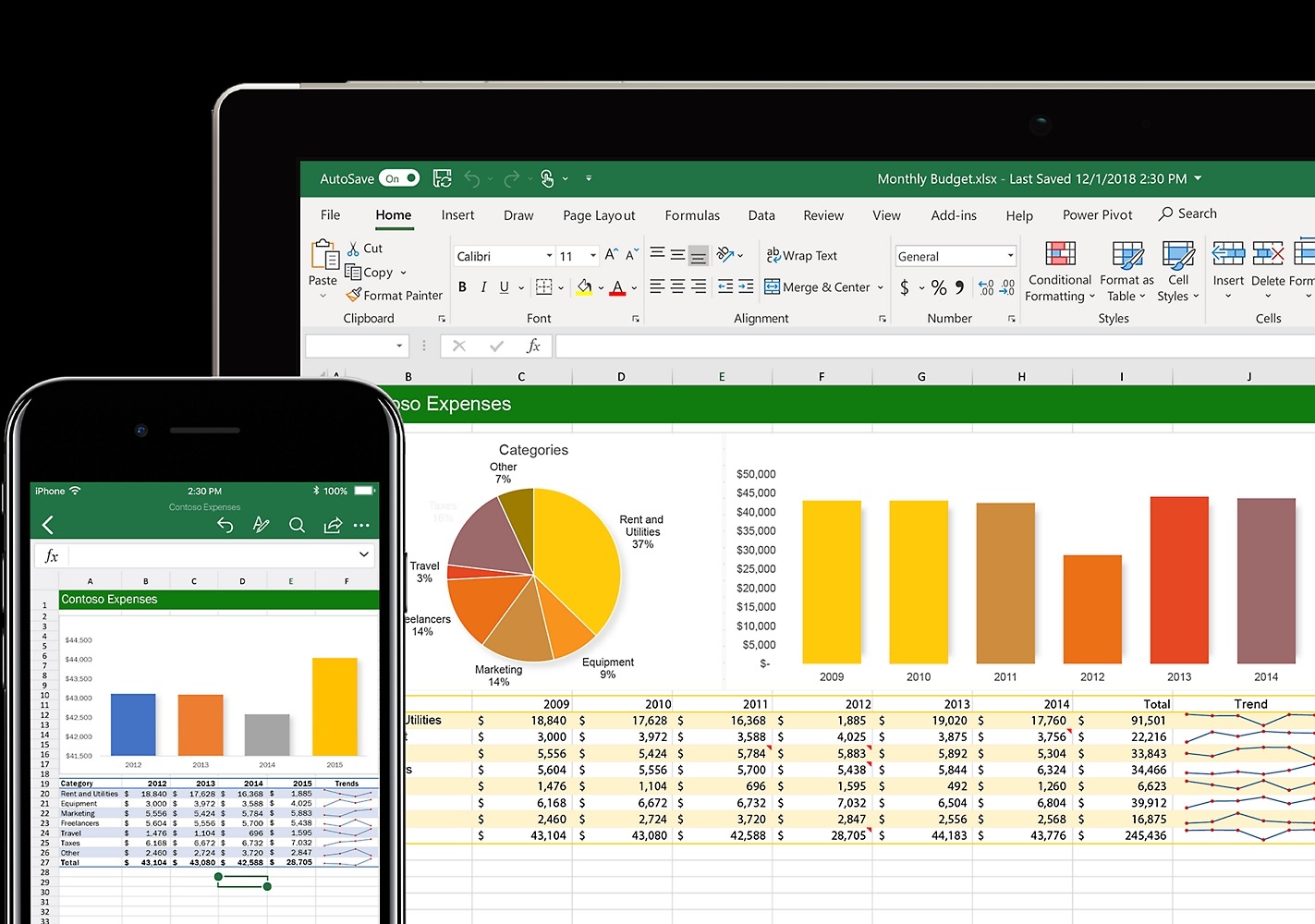
How to wrap text within cells in Excel?
Sometimes the column width of an Excel cell is limited, and the content in a cell is relatively long or needs to be described in points. In this case, you need to wrap text within the cell. For more Excel tips, see how to beautify tables instantly with Ctrl+T and quickly sum with Alt+=. Pressing the Enter key will automatically jump to the next cell, and Shift+Enter has the same effect. So how can you wrap text within a cell? ...