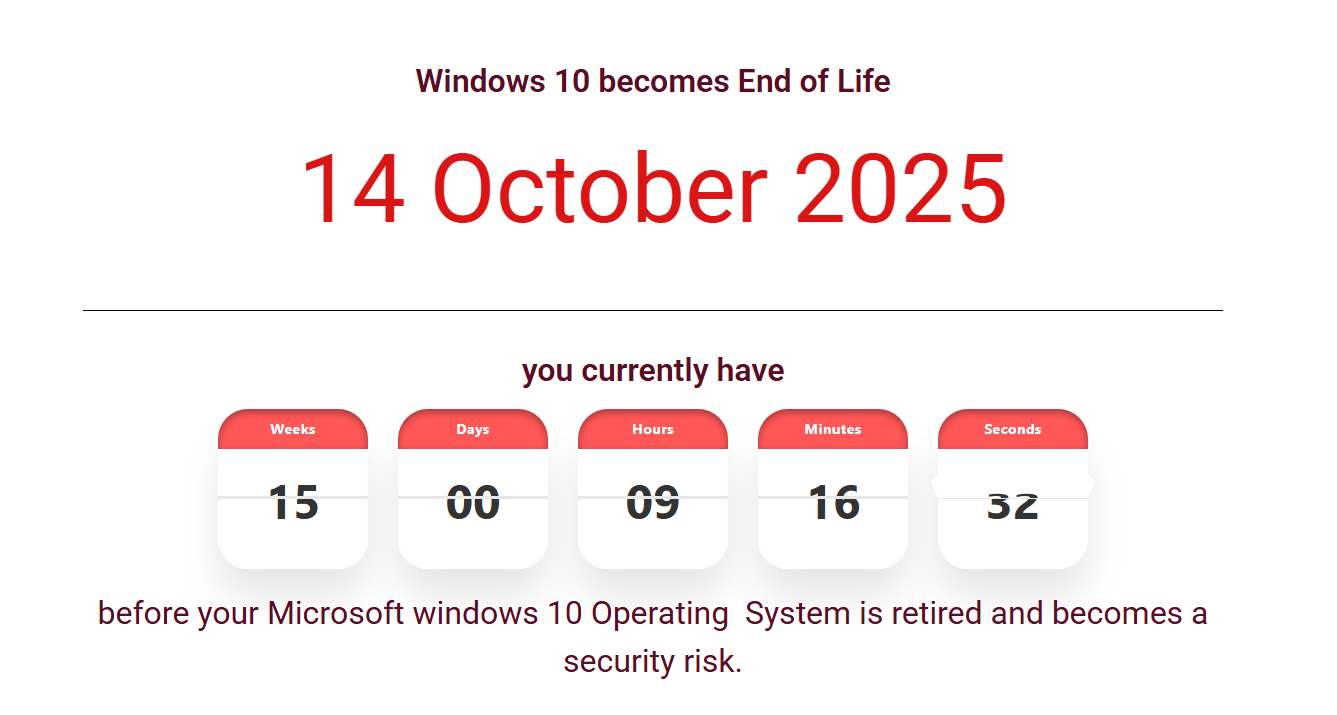
Support of Windows 10 Ends Today. Enroll in ESU Program Now to Keep Using It

Support of Windows 10 Ends Today. Enroll in ESU Program Now to Keep Using It

Microsoft had announced the EOL date of Windows 10 as early as the time we published the article Official: Windows 10’s End of Life(EOL) Date. Now, the day has come. Tomorrow, you will no longer recieve any security updates for Windows 10, unless you enroll in the Extended Security Updates(ESU) program. According to feedback from communities like Reddit, joining the ESU program is “as easy as two clicks”. We understand there must be a reason why you prefer to stay on Windows 10 rather than upgrade to Windows 11. That’s why we recommend joining the ESU program now. ...

October 14, 2025 · 5 min · 873 words · Louis
 A perk to Microsoft 365 users: free Windows 10 Extended Security Updates (ESU) for one year

A perk to Microsoft 365 users: free Windows 10 Extended Security Updates (ESU) for one year

Everybody knows that, after promoting Windows 11 for many years, Microsoft is ending the support to Windows 10. Users will no longer receive the updates after October 14, 2025, unless they get Extended Security Updates (ESU). ESU was previously a paid only service, but now, Microsoft has provided another choice in free of charge to those who are still not ready for Windows 11 yet. Microsoft 365 users can benefit from this change. ...

June 30, 2025 · 2 min · 268 words · Louis
Will you pay $30 to continue using Windows 10?

Will you pay $30 to continue using Windows 10?

Update: Microsoft now provides 3 options for Windows 10 users to enroll in ESU program, 2 of which are free of charge. At no additional cost if you are syncing your PC Settings. Redeem 1,000 Microsoft Rewards points. One-time purchase of $30 USD or local currency equivalent plus applicable tax. Learn how to enroll in ESU program Even the EOL(end of life) date is coming, Windows 10 still occupies 60.97% of desktop Windows market share worldwide. This is really a bad news to Windows 11, as the latter only has a market share of 35.55%. ...

November 5, 2024 · 3 min · 469 words · Louis
How to buy a Windows 11 LTSC key?

How to buy a Windows 11 LTSC key?

Individual users typically cannot directly buy a Windows 11 LTSC key. Windows 11 LTSC(Long-Term Servicing Channel) is designed specifically to cater to the unique needs of large enterprises and organizations. It is provided through Volume Licensing (VL) to these organizations and is not available for ordinary individual users to purchase. Even for those organizations, not all devices are suited for using Windows 11 LTSC. The primary difference between Windows 11 LTSC and regular versions lies in the update frequency. LTSC versions offer feature updates approximately every 2-3 years, whereas regular versions receive updates more frequently. ...

October 11, 2024 · 2 min · 301 words · Louis
Free! Upgrade from Single Language to Windows Home

Free! Upgrade from Single Language to Windows Home

Windows Home edition works fine to home users. However, some Windows 11/10 users might encounter the single language issue. What is Windows Home Sigle Language? What’s different between Single Language and the regular Home edition? How to upgrade to Windows 11/10 Home without any extra cost? You’ll find all answers in this post. Windows Home Single Language Windows Home Single Language started from Windows 8 and continued with subsequent versions. You can follow this article to check whether your version of Windows supports multiple languages. ...

April 15, 2024 · 4 min · 759 words · Louis