Time to switch to Microsoft 365 after Office 2016/2019 end of support

Time to switch to Microsoft 365 after Office 2016/2019 end of support

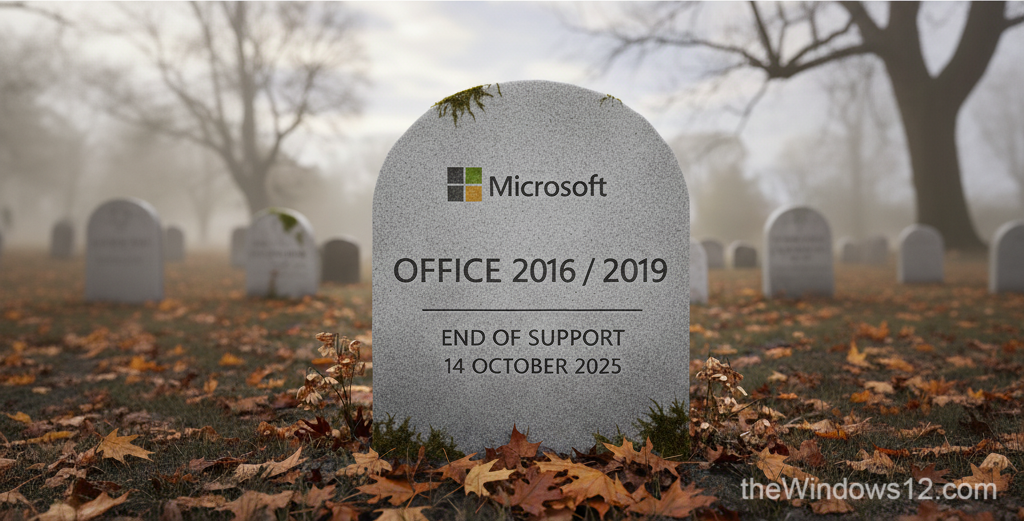
Recently, Microsoft published a blog post about Office 2016/2019 end of support on its Office End Of Support Blog. After October 14, 2025, Microsoft will no longer provide security fixes, bug fixes, or technical support for these products. Running an outdated and unsupported software can put your device at risk of being compromised by malware, viruses, and other threats. That’s why we strongly recommend switching to a newer Office version, or the better choice - Microsoft 365. ...

September 19, 2025 · 2 min · 256 words · Louis
Beautify Excel tables in one second with shortcut keys

Beautify Excel tables in one second with shortcut keys

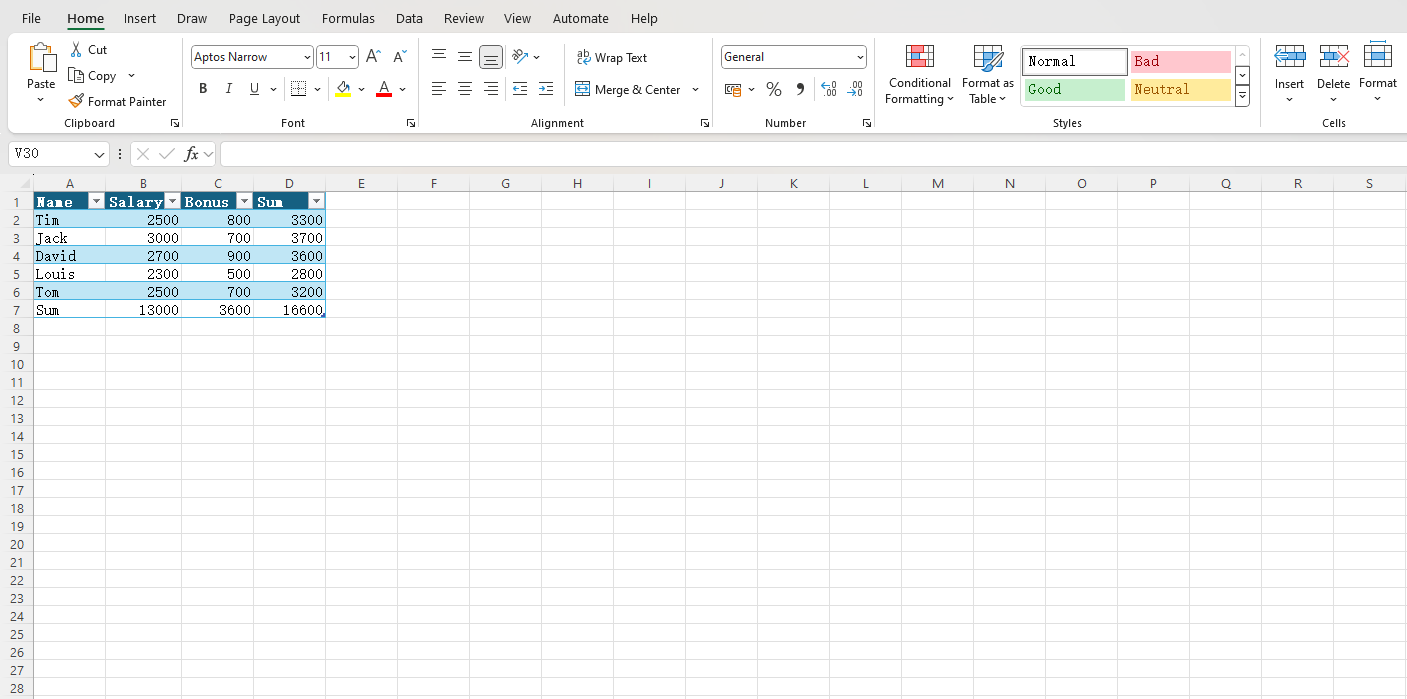
When we deal with Excel tables containing a lot of plain text, it is easy to get visually fatigued looking at a lot of black and white data. At this time, we can use a shortcut key to beautify the table in one second, making it easier to read. I recorded a short video to give you a visual experience of how it works. As you can see from the video, I did the following: ...

December 13, 2024 · 1 min · 156 words · Louis
How to quickly sum using a shortcut key in Excel?

How to quickly sum using a shortcut key in Excel?

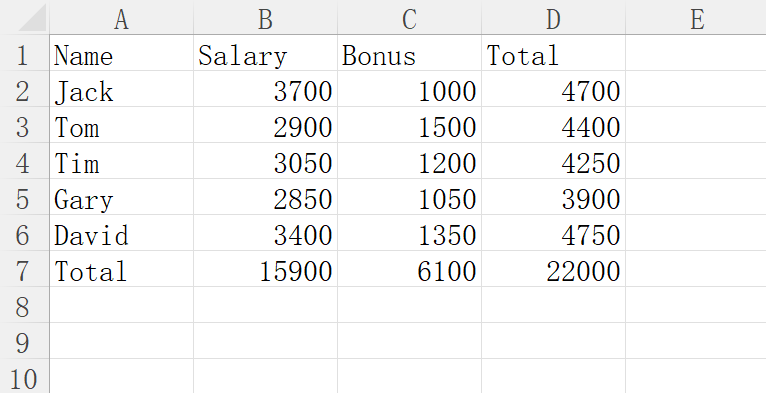
When we process a large amount of data in Excel, we often need to sum. The common method is to write a formula in a cell, then drag the mouse to apply the formula to other cells in the same column or row. However, this method is not efficient enough. We have a shortcut key that allows you to complete the above work with one click. If you don’t believe it, you can watch the video below: ...

December 9, 2024 · 1 min · 150 words · Louis
How to wrap text within cells in Excel?

How to wrap text within cells in Excel?

Sometimes the column width of an Excel cell is limited, and the content in a cell is relatively long or needs to be described in points. In this case, you need to wrap text within the cell. Pressing the Enter key will automatically jump to the next cell, and Shift+Enter has the same effect. So how can you wrap text within a cell? Here I’ll show you how to manually wrap text, or set it to wrap automatically. ...

November 25, 2024 · 2 min · 252 words · Louis
How to Fix Office Activation Issue with One Click?

How to Fix Office Activation Issue with One Click?

Some may encounter issues with Office activation failure. The specific issue is that even though the computer is connected to the internet and the system is activated, when you open Office, it prompts for a trial, purchase, or to enter a product key. See the screenshot below: To address this, Microsoft has built an official tool that clears the activation information, allowing for re-activation. Download link: http://aka.ms/diag_97275 If your browser warns with messages like “The file may be harmful” or “Cannot download safely” during the download process, you can proceed with confidence. This is an official Microsoft program and is completely safe. ...

June 20, 2024 · 1 min · 138 words · Louis