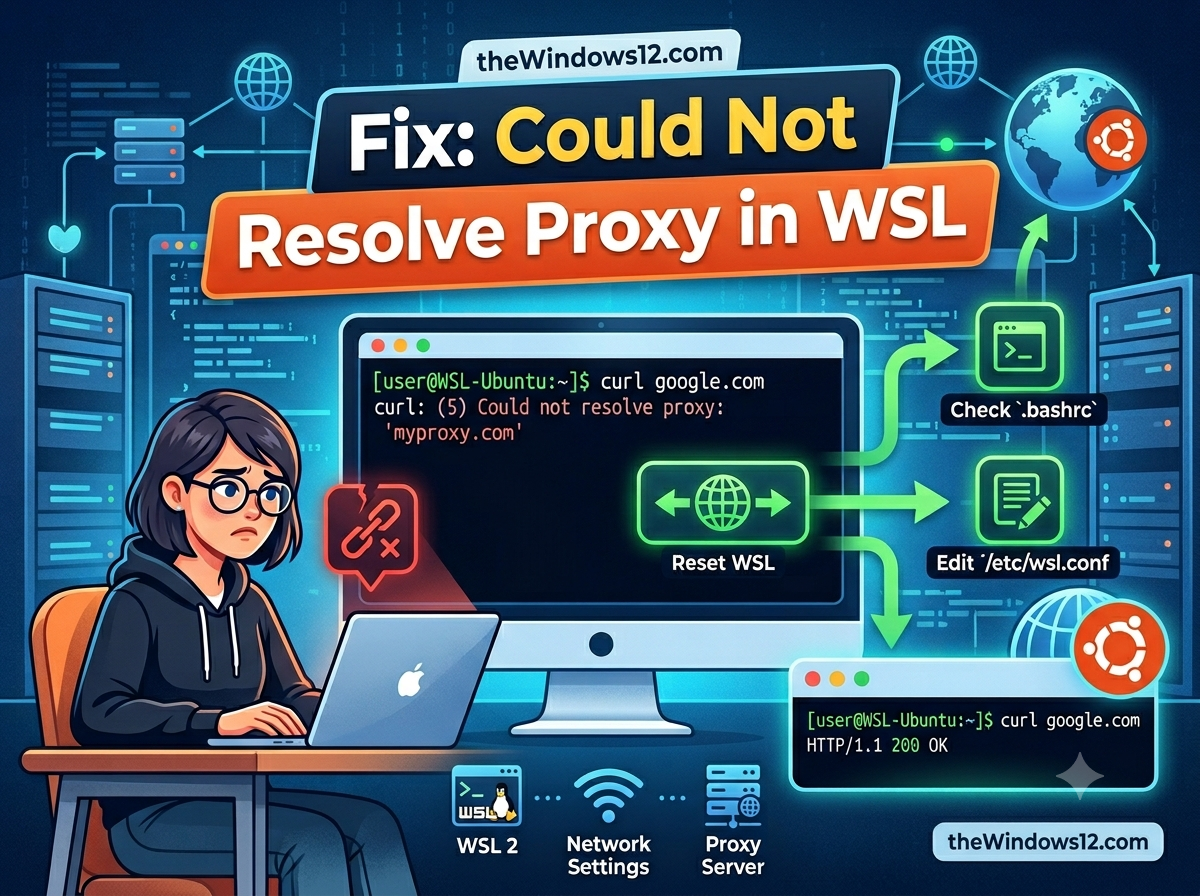
Fix Could Not Resolve Proxy in WSL

Fix "Could Not Resolve Proxy" in WSL — Complete Troubleshooting Guide

git clone fails with “could not resolve proxy.” apt update hangs forever. curl returns “Could not resolve proxy: 127.0.0.1.” You know the proxy is running on Windows — so why can’t WSL see it? Quick fix: In WSL’s default NAT mode, 127.0.0.1 refers to WSL itself, not your Windows host. Switch to mirrored networking in .wslconfig and the proxy becomes reachable at localhost. If you can’t use mirrored mode, point your proxy to the Windows host IP instead of 127.0.0.1. ...

June 17, 2026 · 6 min · 1156 words · Louis
Fix VMware Virtual Machine No Internet Issue When Clash Verge Runs on Host PC

Fix VMware Virtual Machine No Internet Issue When Clash Verge Runs on Host PC

Clash Verge is a widely used proxy client on Windows, helping users optimize network access and manage traffic routing. At the same time, many people also run VMware Workstation or VMware Player on the same PC to host virtual machines (VMs). Now that VMware Workstation and Fusion are free, more users are setting up VMs — and running into this exact network conflict. If you haven’t downloaded VMware yet, see our free download guide. ...

August 12, 2025 · 3 min · 571 words · Louis
Fix WSL localhost proxy not mirrored error

Fix "WSL Localhost Proxy Not Mirrored" Error — Switch to Mirrored Mode in 2 Minutes

Seeing the dreaded “localhost proxy configuration detected but not mirrored to WSL” warning every time you start WSL? Your Windows proxy (like Clash, V2Ray, or any local proxy on 127.0.0.1) can’t reach WSL because NAT mode isolates their localhost addresses. The fix is simple: switch WSL to mirrored networking mode. Quick fix: Create or edit C:\Users\YourUsername\.wslconfig and add networkingMode=mirrored + autoProxy=true under [experimental]. Then run wsl --shutdown and restart. Done — your proxy now works inside WSL automatically. ...

April 28, 2025 · 4 min · 798 words · Louis
Don’t Rush to Pay: Does cFosSpeed Really Work? Who Actually Needs It?

Don’t Rush to Pay: Does cFosSpeed Really Work? Who Actually Needs It?

In today’s world, a reliable internet connection is essential for everything from work to entertainment and learning. cFosSpeed is a tool designed to improve network performance, but does it truly live up to the hype? And more importantly, who actually benefits from using it? In this article, we’ll take an objective look at its features and target users, helping you decide if it’s worth your money. What Does cFosSpeed Do? At its core, cFosSpeed uses Traffic Shaping and automatic RWIN expansion to optimize your internet connection, particularly when your network is under heavy load—like when you’re uploading or downloading large files. Some of its key benefits include: ...

September 6, 2024 · 4 min · 786 words · Louis
How to Configure Proxy on Windows 11/10 and 7

How to Configure Proxy on Windows 11/10 and 7

A proxy is an intermediary server that sits between a client and a destination server. If you’re having trouble with proxies inside WSL, see our series of WSL proxy fixes: localhost proxy not mirrored, HTTP proxy change detected, and could not resolve proxy. If you’re a developer who needs to set Git-specific proxies (for GitHub access), see How to set Git proxies on cnelecar. For general network troubleshooting, check our all-in-one network fix guide and how to fix browsers showing no internet. ...

April 10, 2024 · 4 min · 764 words · Louis