WSL Mirrored Networking Mode Is Not Supported — How to Fix It
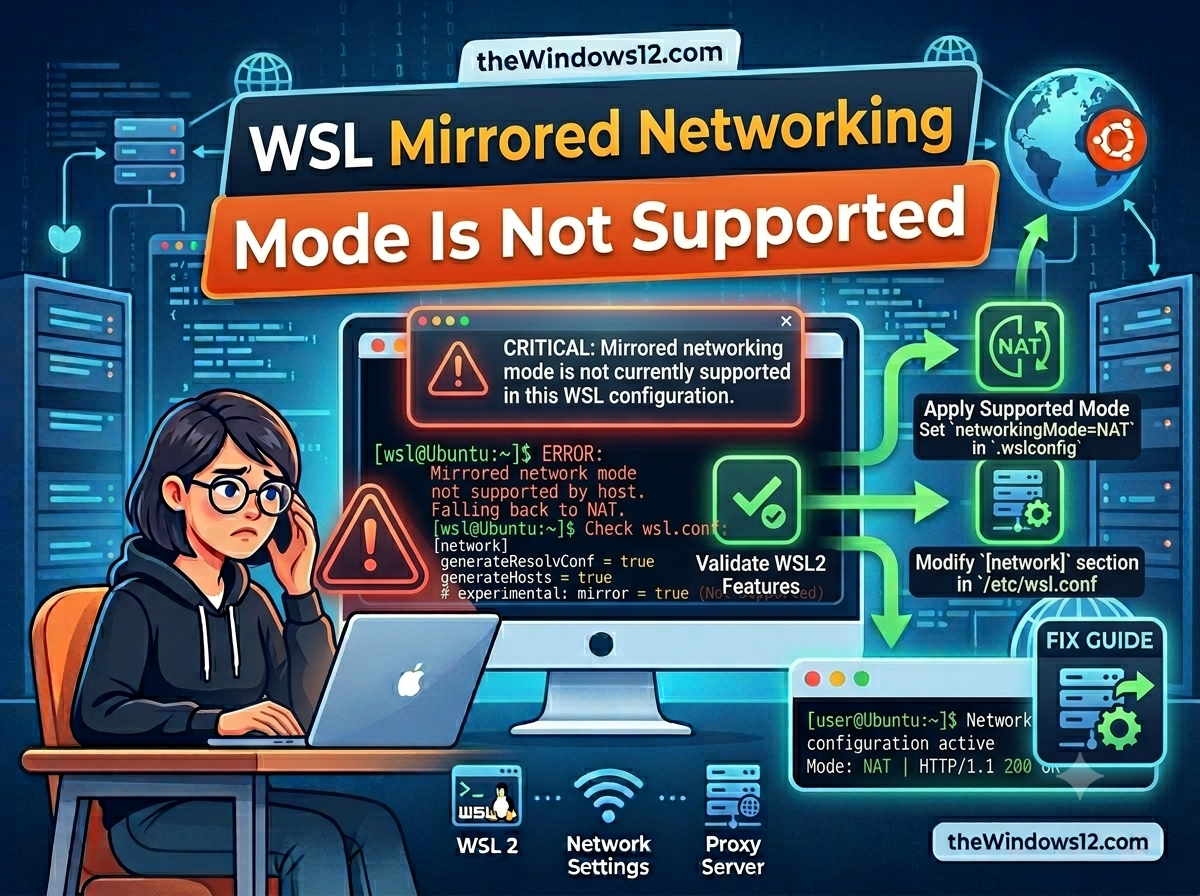
You added networkingMode=mirrored to your .wslconfig, restarted WSL, and instead of the smooth networking you expected, you got: “mirrored networking mode is not supported.” Frustrating, especially when every guide tells you mirrored mode is the fix for proxy issues. Quick fix: This error means your Windows version or WSL version doesn’t support mirrored networking yet. Run wsl --update and make sure you’re on Windows 11 22H2+ or Windows 10 Build 19045+. If you can’t upgrade, use the NAT mode workaround below. ...