
Why is Microsoft taking down the Authenticator password filling feature?

Why is Microsoft taking down the Authenticator password filling feature?

Recently, Authenticator users should have seen a reminder in the app when opening the app - Autofill in Microsoft Authenticator will stop from July 2025, and users are advised to use Edge instead. The plan is as follows: Starting June 2025, you will no longer be able to Add or Import new passwords in the Authenticator App. However, you can continue saving passwords through autofill until July. During July 2025, you will not be able to use autofill with Authenticator. From August 2025, your saved passwords will no longer be accessible in Authenticator. It can be seen that from stopping adding new passwords to disabling auto-fill, to being completely inaccessible, Authenticator is gradually stripping away its password-related functions, but many users use Authenticator precisely because it can synchronize and fill passwords across platforms. So why does Microsoft do this? ...

June 8, 2025 · 4 min · 672 words · Louis
Chrome joins other browsers to fight back Microsoft Edge

Chrome joins other browsers to fight back Microsoft Edge

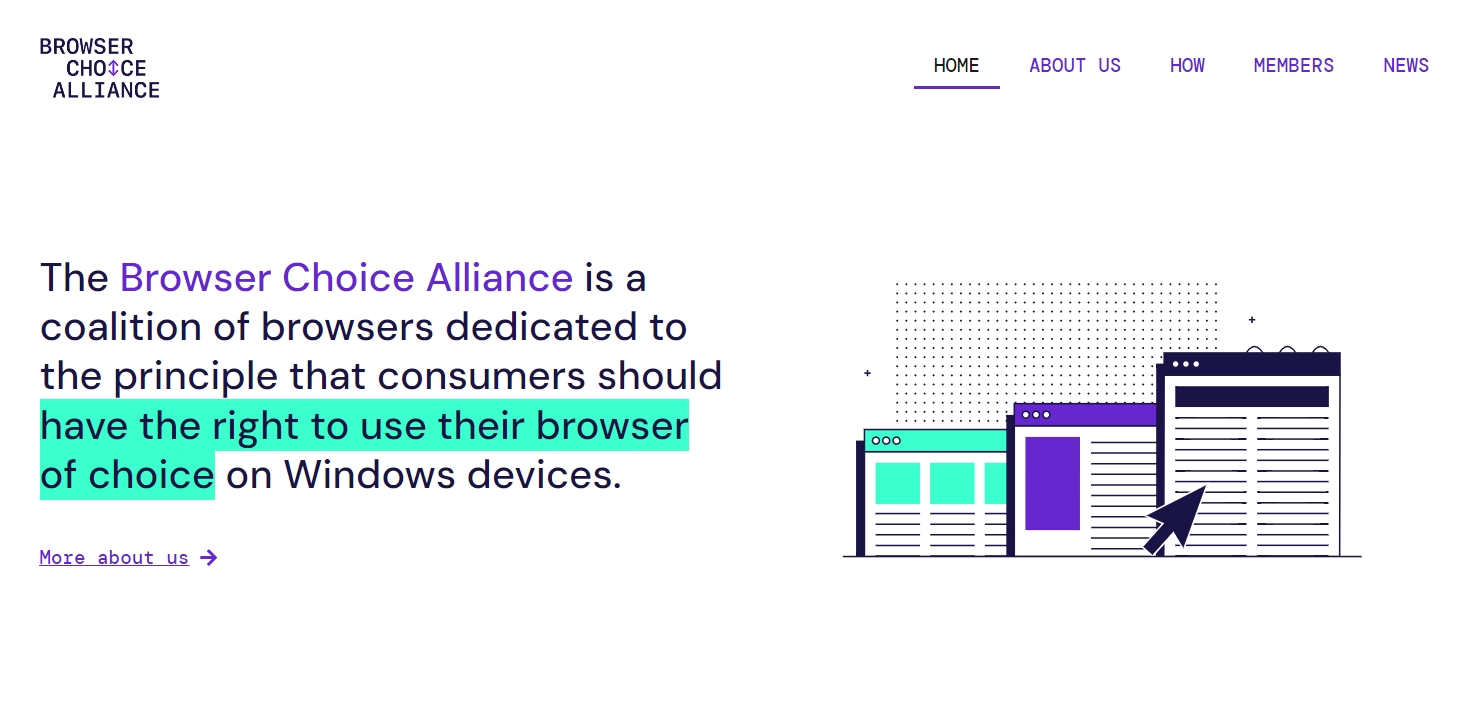
This time, it is Chrome’s turn to feel the crisis. Many other browsers that were once suppressed by Chrome are also surrounded by a sense of crisis, but their enemy has become Microsoft Edge. Chrome has formed an alliance with other browsers - Browser Choice Alliance. Except for Chrome, the members are Opera, BrowserWorks, Wavebox and other browsers that are usually counted as “Others”. ...

December 3, 2024 · 3 min · 479 words · Louis
How to Remove and Relaunch Edge Search Bar on Your Desktop

How to Remove and Relaunch Edge Search Bar on Your Desktop

Occasionally you see a search bar appears on your Desktop. As you see the logo on the left, it’s a widget of Microsoft Edge browser. You may wonder how to remove Edge Search Bar, and in some cases, how to relaunch it again. This is what I am going to show you in this post. At the first time the Edge Search Bar shows, it prompts a small window where you have a Turn Off option. But if you have missed the chance, you’ll only be able to close it temporarily, in other words, the Edge Search Bar auto-launches after Windows starts. ...

July 5, 2024 · 2 min · 250 words · Louis