How do I open a specific worksheet via a link while using Excel for the web?

How do I open a specific worksheet via a link while using Excel for the web?

Have you ever shared a link to a spreadsheet with many worksheets and wanted to let people open a specific worksheet by default when they access the link? This is a commom need, but Excel remembers the last worksheet you were on, and launch that worksheet directly when you opened the file the next time. For the convenience, you may have bulit a navigation worksheet that contains links to all the worksheets in your spreadsheet. This article will tech you how to make a link to the navigation worksheet specifically. ...
July 25, 2025 · 2 min · 225 words · Louis
Beautify Excel tables in one second with shortcut keys

Beautify Excel tables in one second with shortcut keys

When we deal with Excel tables containing a lot of plain text, it is easy to get visually fatigued looking at a lot of black and white data. At this time, we can use a shortcut key to beautify the table in one second, making it easier to read. I recorded a short video to give you a visual experience of how it works. As you can see from the video, I did the following: ...

December 13, 2024 · 1 min · 156 words · Louis
How to quickly sum using a shortcut key in Excel?

How to quickly sum using a shortcut key in Excel?

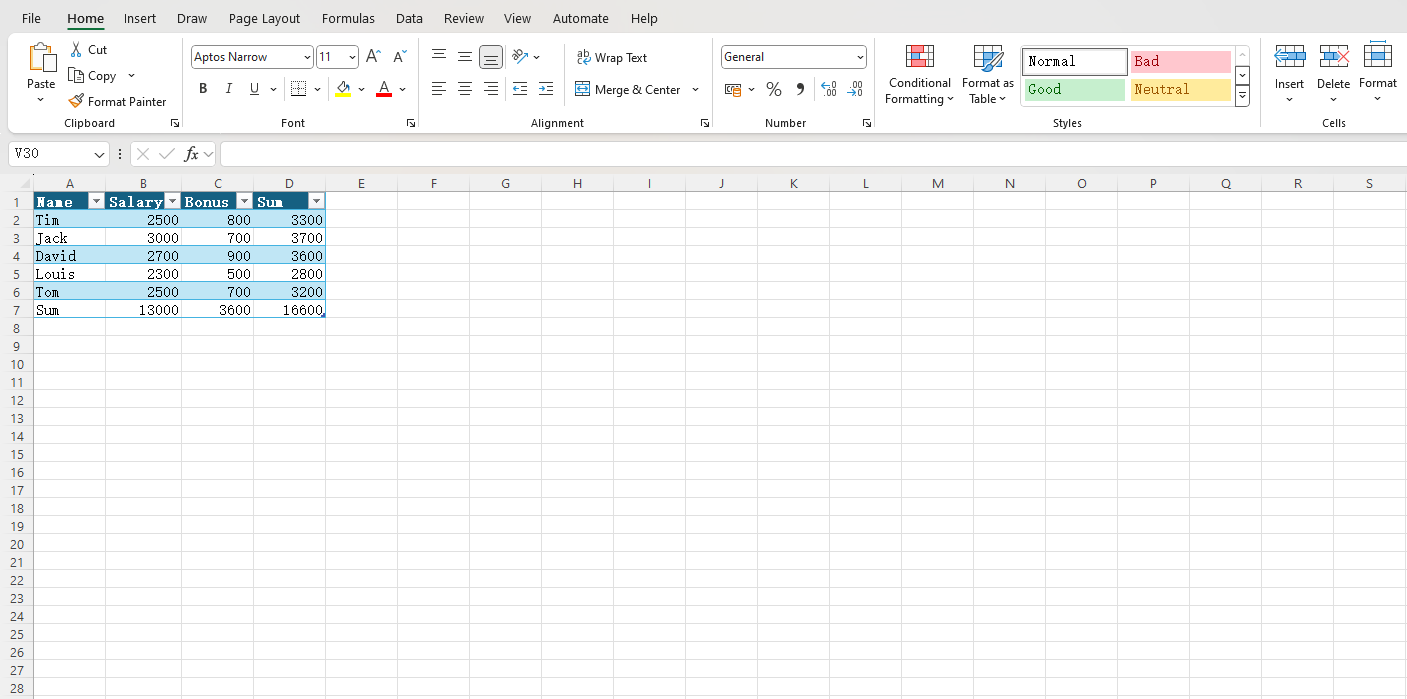
When we process a large amount of data in Excel, we often need to sum. The common method is to write a formula in a cell, then drag the mouse to apply the formula to other cells in the same column or row. However, this method is not efficient enough. We have a shortcut key that allows you to complete the above work with one click. If you don’t believe it, you can watch the video below: ...

December 9, 2024 · 1 min · 150 words · Louis
How to wrap text within cells in Excel?

How to wrap text within cells in Excel?

Sometimes the column width of an Excel cell is limited, and the content in a cell is relatively long or needs to be described in points. In this case, you need to wrap text within the cell. Pressing the Enter key will automatically jump to the next cell, and Shift+Enter has the same effect. So how can you wrap text within a cell? Here I’ll show you how to manually wrap text, or set it to wrap automatically. ...

November 25, 2024 · 2 min · 252 words · Louis