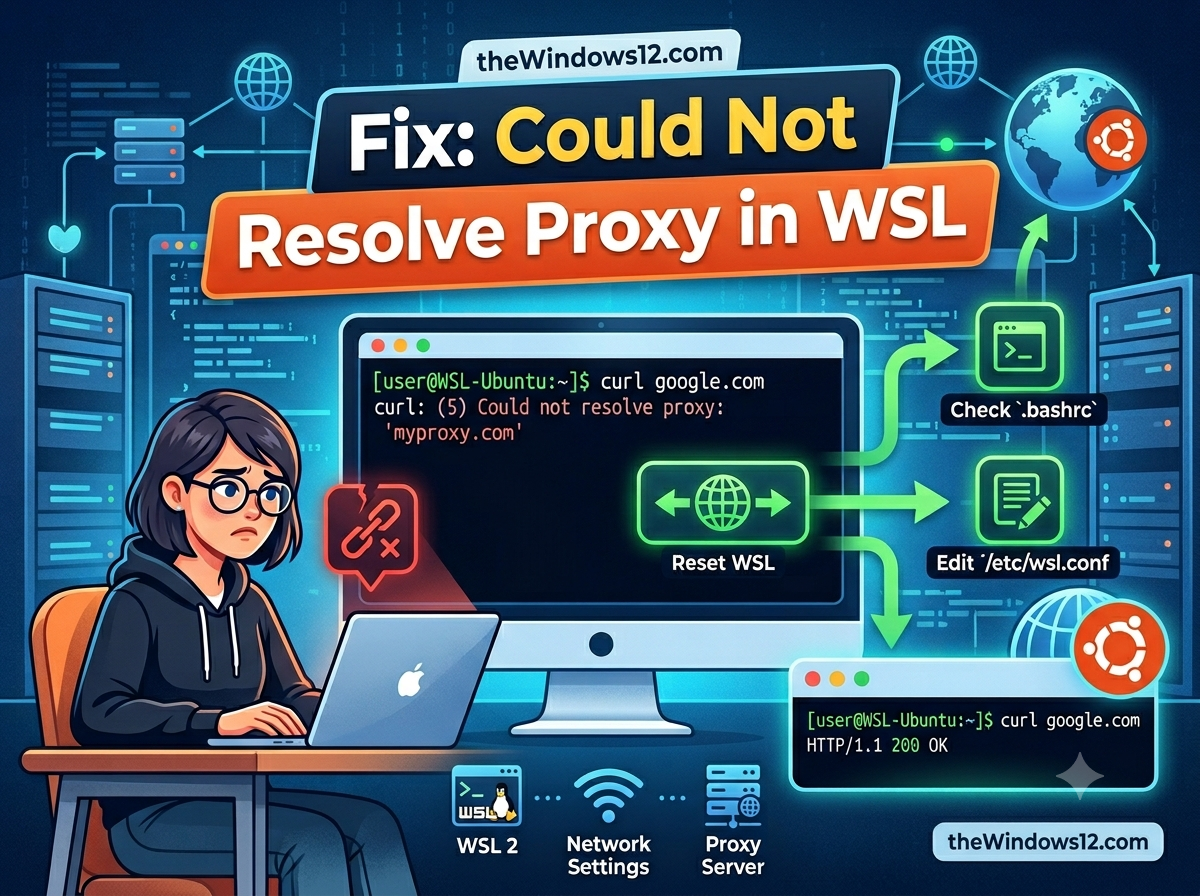
Fix "Could Not Resolve Proxy" in WSL — Complete Troubleshooting Guide
git clone fails with “could not resolve proxy.” apt update hangs forever. curl returns “Could not resolve proxy: 127.0.0.1.” You know the proxy is running on Windows — so why can’t WSL see it? Quick fix: In WSL’s default NAT mode, 127.0.0.1 refers to WSL itself, not your Windows host. Switch to mirrored networking in .wslconfig and the proxy becomes reachable at localhost. If you can’t use mirrored mode, point your proxy to the Windows host IP instead of 127.0.0.1. ...