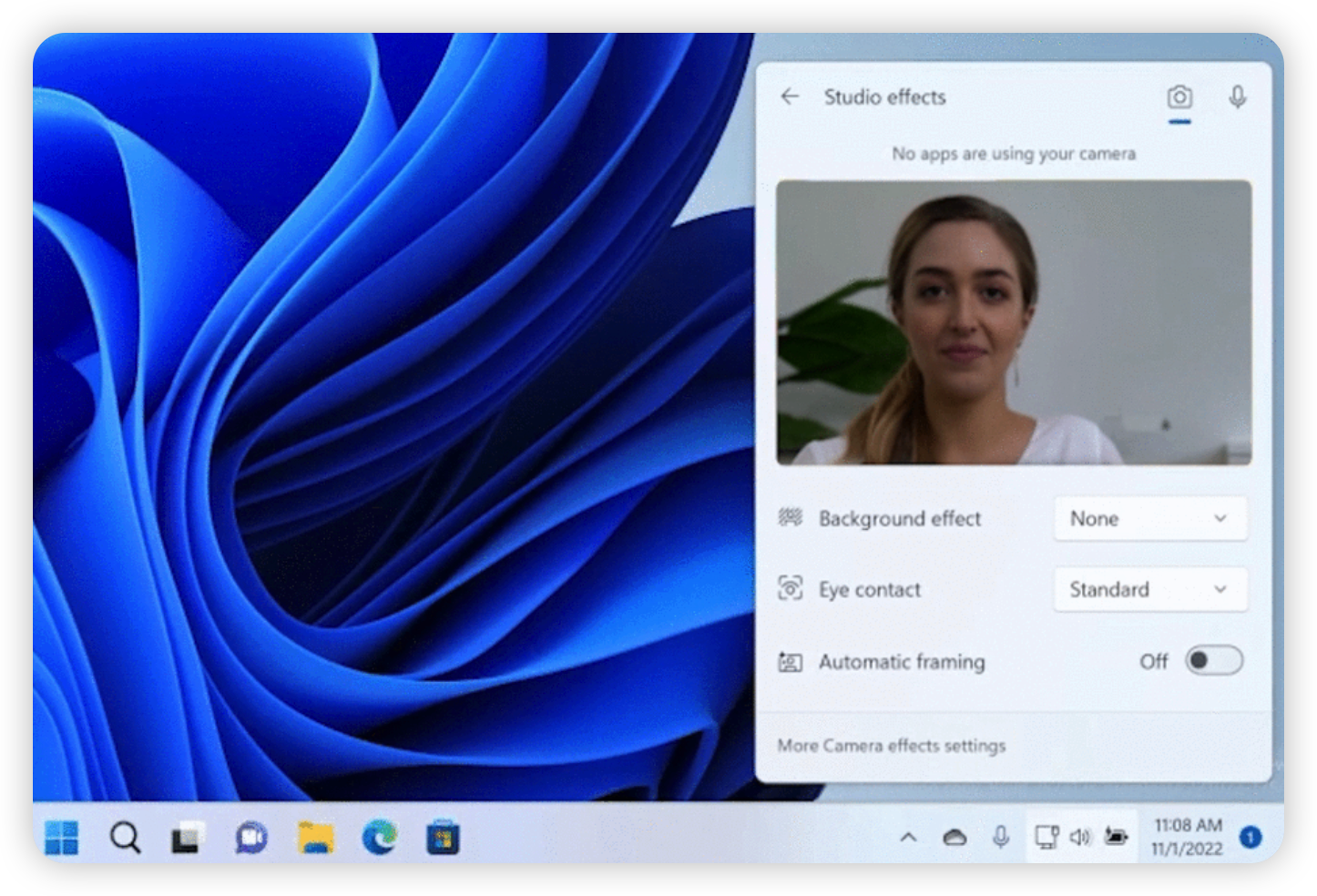
A video demo on how to use Studio Effects on Windows 11
I think you have seen the Studio Effects button in the Quick Settings on Windows 11, and you may be wondering what it is and how to use it. That’s why you are here. To make it easier for you to understand, I have prepared a video demo. The first button clicked was the “Automatic framing” button. It is used to automatically adjust the camera angle and distance to the subject. When you are in a meeting, you can use this feature to make sure that you are in the center of the screen. ...