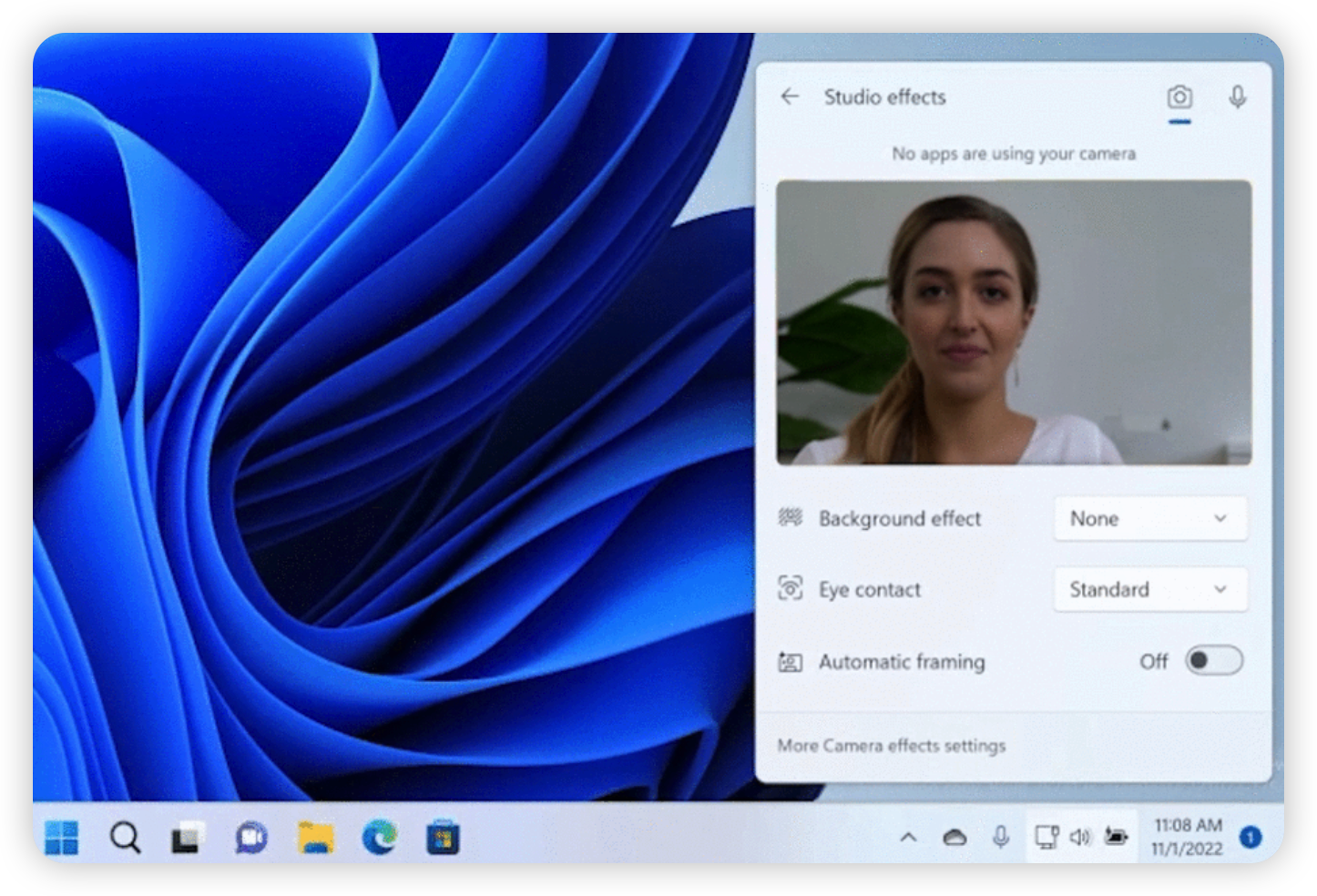
open Studio Effects on Windows 11

A video demo on how to use Studio Effects on Windows 11

I think you have seen the Studio Effects button in the Quick Settings on Windows 11, and you may be wondering what it is and how to use it. That’s why you are here. To make it easier for you to understand, I have prepared a video demo. The first button clicked was the “Automatic framing” button. It is used to automatically adjust the camera angle and distance to the subject. When you are in a meeting, you can use this feature to make sure that you are in the center of the screen. ...
May 19, 2026 · 2 min · 236 words · Louis
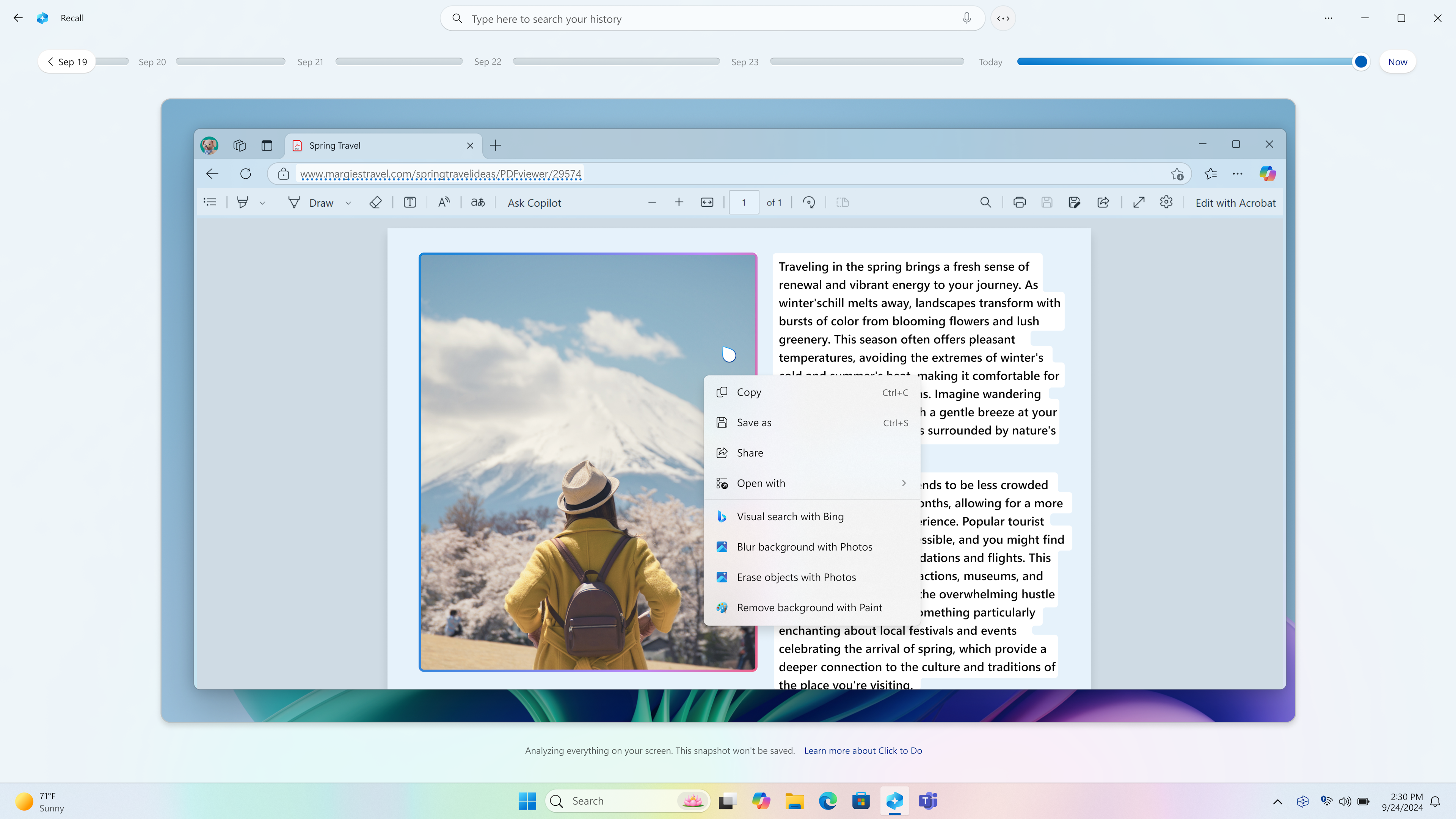
Introducing Windows Click to Do, an AI-Powered Feature to Boost Your Efficiency

Introducing Windows Click to Do, an AI-Powered Feature to Boost Your Efficiency

Microsoft has been rapidly expanding its use of AI across its product line. With Microsoft 365 already benefiting from intelligent features, Windows is now joining the AI wave as well. A preview feature named Windows Click to Do caught our eyes. It’s an AI-powered feature that helps users perform quick actions based on the content displayed on their screen. For example, to easily copy any text showing on your screen to clipboard. ...

June 18, 2025 · 3 min · 586 words · Louis
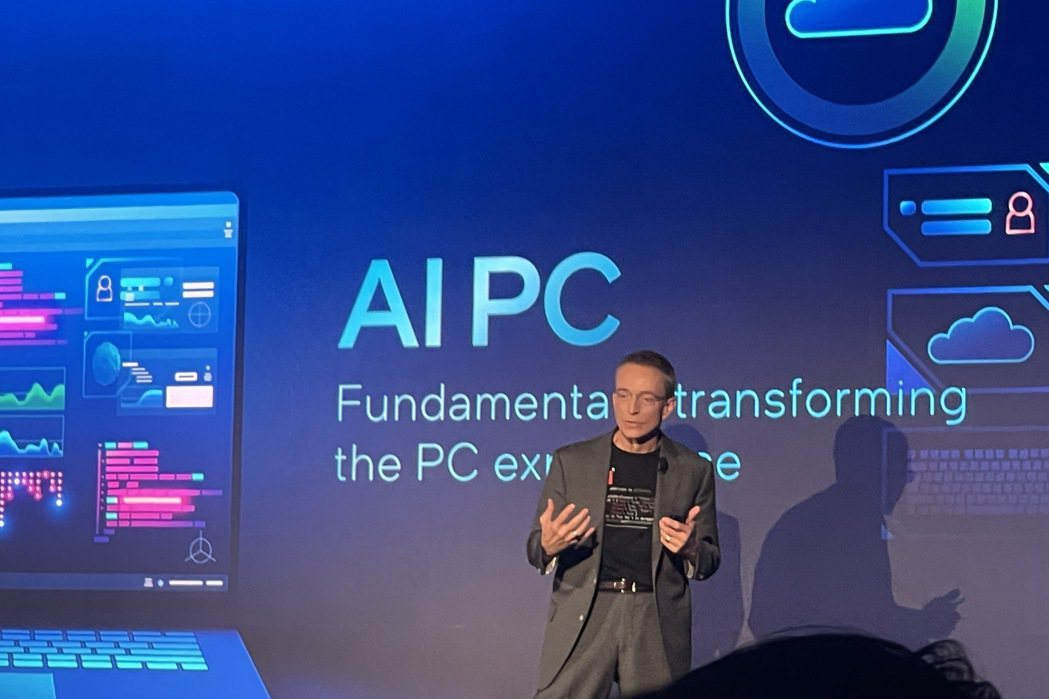
Understanding AI PC: A New Era of Computing

Understanding AI PC: A New Era of Computing

With the rapid development of artificial intelligence technology, AI PC (Artificial Intelligence Personal Computers) has become a hot topic in the IT and tech world. AI PCs are not just an upgrade from traditional personal computers; they represent a new mode of computing, integrating powerful AI capabilities directly into personal computing devices. What is an AI PC, and how does it differ from a traditional PC? This article provides a comprehensive introduction to AI PCs from the perspectives of structure, performance, features, application scenarios, and market dynamics. ...

June 20, 2024 · 4 min · 772 words · Louis