Why is Microsoft taking down the Authenticator password filling feature?

Why is Microsoft taking down the Authenticator password filling feature?

Recently, Authenticator users should have seen a reminder in the app when opening the app - Autofill in Microsoft Authenticator will stop from July 2025, and users are advised to use Edge instead. The plan is as follows: Starting June 2025, you will no longer be able to Add or Import new passwords in the Authenticator App. However, you can continue saving passwords through autofill until July. During July 2025, you will not be able to use autofill with Authenticator. From August 2025, your saved passwords will no longer be accessible in Authenticator. It can be seen that from stopping adding new passwords to disabling auto-fill, to being completely inaccessible, Authenticator is gradually stripping away its password-related functions, but many users use Authenticator precisely because it can synchronize and fill passwords across platforms. So why does Microsoft do this? ...
June 8, 2025 · 4 min · 672 words · Louis
How to Disable Windows Defender without Installing Other Antivirus

How to Disable Windows Defender without Installing Other Antivirus

Windows Defender is a built-in antivirus software in Windows. It is a part of the Windows operating system and is designed to protect the system from malware, viruses, and other malicious software. However, sometimes you may need to disable Windows Defender for various reasons, such as reducing resource consumption in development environments, testing system performance under different security configurations, or for any other reason. For context on how third-party security software can go wrong, see our analysis of the CrowdStrike incident that caused millions of blue screens. ...

May 30, 2025 · 3 min · 472 words · Louis
Fix WSL localhost proxy not mirrored error

Fix "WSL Localhost Proxy Not Mirrored" Error — Switch to Mirrored Mode in 2 Minutes

Seeing the dreaded “localhost proxy configuration detected but not mirrored to WSL” warning every time you start WSL? Your Windows proxy (like Clash, V2Ray, or any local proxy on 127.0.0.1) can’t reach WSL because NAT mode isolates their localhost addresses. The fix is simple: switch WSL to mirrored networking mode. Quick fix: Create or edit C:\Users\YourUsername\.wslconfig and add networkingMode=mirrored + autoProxy=true under [experimental]. Then run wsl --shutdown and restart. Done — your proxy now works inside WSL automatically. ...

April 28, 2025 · 4 min · 798 words · Louis
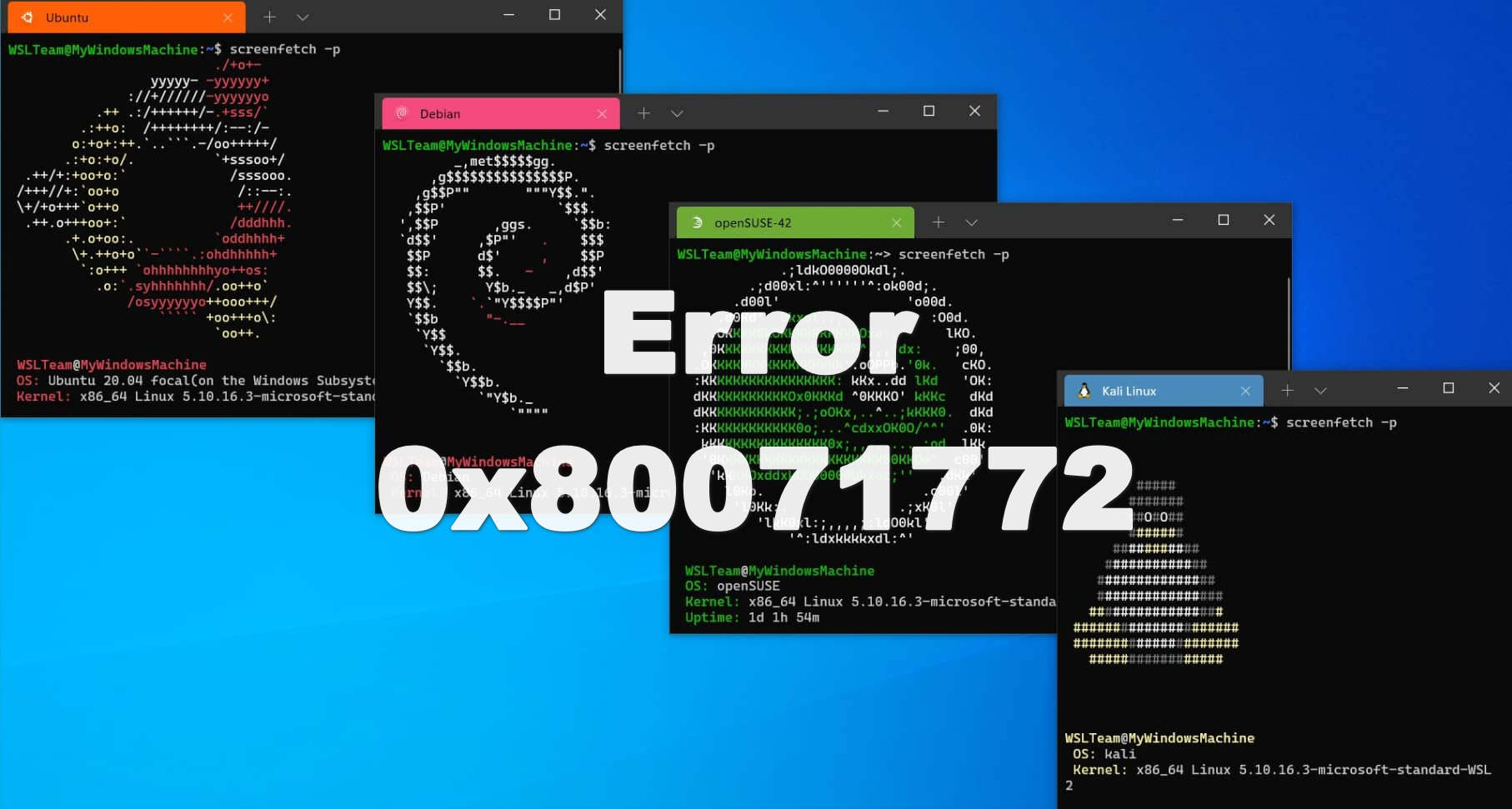
Fix WSL Error 0x80071772 in 5 Minutes

Fix WSL Error 0x80071772 in 5 Minutes — Step-by-Step Guide

Getting error 0x80071772 when trying to install Ubuntu or any WSL distro from the Microsoft Store? You’re not alone — this is one of the most common WSL installation errors, and the fix takes under 5 minutes. Quick fix: Error 0x80071772 occurs because WSL packages can only be installed on the C drive. If your Windows “New apps will save to” setting points to another drive, WSL installation will fail. Change it to C drive, reinstall, and you’re done. ...

April 25, 2025 · 3 min · 610 words · Louis
Windows Backdoor Used by NSA to Attack China

Windows Backdoor Used by NSA to Attack China

On April 15, 2025, a revelation from the Harbin Municipal Public Security Bureau sparked major controversy: 3 NSA operatives from the U.S. National Security Agency allegedly launched large-scale cyberattacks against the “9th Asian Winter Games” in Harbin and China’s critical information infrastructure by exploiting reserved backdoors in Microsoft Windows systems. China didn’t publish the photos and reward amount of the attackers, but the announcement indicates that China has the ability to find out the individuals and their identities behind the attack with its technology. And this is likely to accelerate China’s push to replace foreign operating systems with domestically-developed alternatives, a move closely tied to national security concerns. ...

April 17, 2025 · 2 min · 310 words · Louis