How to keep my screen ALWAYS ON on Windows 11?

How to keep my screen ALWAYS ON on Windows 11?

Windows 11 automatically turns off the screen or the monitor, if there’s no interaction for a while. This is a default behavior, to save power and protect the privacy. But occationally, I need to keep my screen active while away from my desk, even when it’s on the lock screen. You may have this demand, too. How to do that? Follow these steps: Open the Settings app. You can press the Windows key + I to open it. Go to the System section. Click on Power & battery. Find and unfold the Screen, sleep, & hibernate timeouts section. This is the default setting in my Windows 11: We need to change Turn my screen off after to Never. Once you’ve modified that, Make my device sleep after should be set to Never as well. I’d rather keep the default settings under the situation of On battery, because I don’t want to run out of battery and lose my data. Now, your PC will keep the screen ALWAYS ON and won’t go into hibernate/sleep mode.

December 24, 2025 · 1 min · 174 words · Louis
Support of Windows 10 Ends Today. Enroll in ESU Program Now to Keep Using It

Support of Windows 10 Ends Today. Enroll in ESU Program Now to Keep Using It

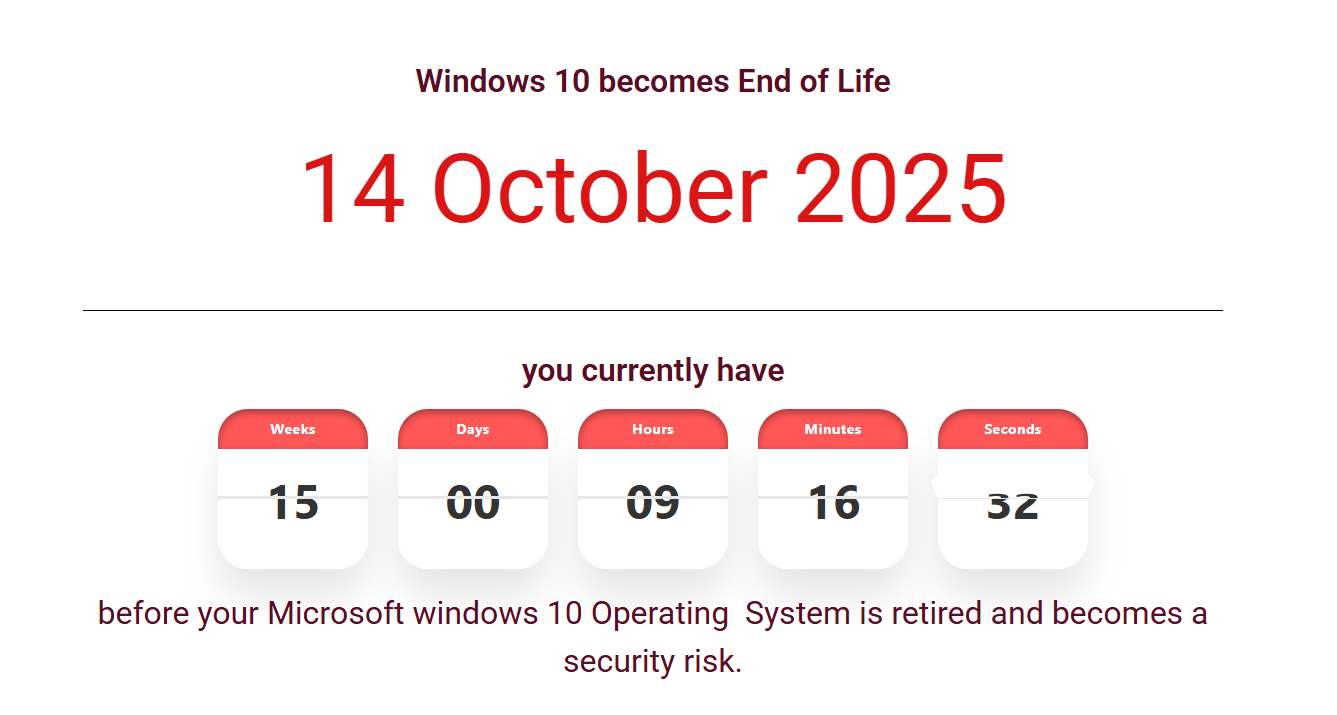
Microsoft had announced the EOL date of Windows 10 as early as the time we published the article Official: Windows 10’s End of Life(EOL) Date. Now, the day has come. Tomorrow, you will no longer recieve any security updates for Windows 10, unless you enroll in the Extended Security Updates(ESU) program. There are three ways to enroll — two of them are free. Microsoft 365 users can get one year of ESU at no extra cost by enabling Windows Backup to OneDrive. If you’re not a M365 subscriber, you can either redeem 1,000 Microsoft Rewards points or pay $30. See our earlier analysis on whether paying $30 for ESU makes sense. ...

October 14, 2025 · 5 min · 958 words · Louis
How do I open a specific worksheet via a link while using Excel for the web?

How do I open a specific worksheet via a link while using Excel for the web?

Have you ever shared a link to a spreadsheet with many worksheets and wanted to let people open a specific worksheet by default when they access the link? This is a commom need, but Excel remembers the last worksheet you were on, and launch that worksheet directly when you opened the file the next time. For the convenience, you may have bulit a navigation worksheet that contains links to all the worksheets in your spreadsheet. This article will tech you how to make a link to the navigation worksheet specifically. ...

July 25, 2025 · 2 min · 225 words · Louis
 A perk to Microsoft 365 users: free Windows 10 Extended Security Updates (ESU) for one year

A perk to Microsoft 365 users: free Windows 10 Extended Security Updates (ESU) for one year

Everybody knows that, after promoting Windows 11 for many years, Microsoft is ending the support to Windows 10. Users will no longer receive the updates after October 14, 2025, unless they get Extended Security Updates (ESU). ESU was previously a paid only service, but now, Microsoft has provided another choice in free of charge to those who are still not ready for Windows 11 yet. Microsoft 365 users can benefit from this change. For step-by-step enrollment instructions, see our ESU program enrollment guide. ...

June 30, 2025 · 2 min · 278 words · Louis
Windows Built-in Sandbox: Windows Sandbox Usage Guide

Windows Built-in Sandbox: Windows Sandbox Usage Guide

You’ve likely had this experience: needing to download software from the internet, possibly for long-term use or perhaps just temporarily, but not being sure whether it’s safe. Even with antivirus software installed, there’s no guarantee that all risks will be intercepted. Features of Sandbox Those with virtual machine experience might say: “Why not just test it on a virtual machine? If there’s an issue, you can just restore from a snapshot.” While a virtual machine is indeed a solution, it is much more cumbersome compared to Windows Sandbox. Windows Sandbox offers the following advantages: ...

February 24, 2025 · 3 min · 554 words · Louis