Fix WSL localhost proxy not mirrored error

Fix "WSL Localhost Proxy Not Mirrored" Error — Switch to Mirrored Mode in 2 Minutes

Seeing the dreaded “localhost proxy configuration detected but not mirrored to WSL” warning every time you start WSL? Your Windows proxy (like Clash, V2Ray, or any local proxy on 127.0.0.1) can’t reach WSL because NAT mode isolates their localhost addresses. The fix is simple: switch WSL to mirrored networking mode. Quick fix: Create or edit C:\Users\YourUsername\.wslconfig and add networkingMode=mirrored + autoProxy=true under [experimental]. Then run wsl --shutdown and restart. Done — your proxy now works inside WSL automatically. ...

April 28, 2025 · 4 min · 798 words · Louis
Fix WSL Error 0x80071772 in 5 Minutes

Fix WSL Error 0x80071772 in 5 Minutes — Step-by-Step Guide

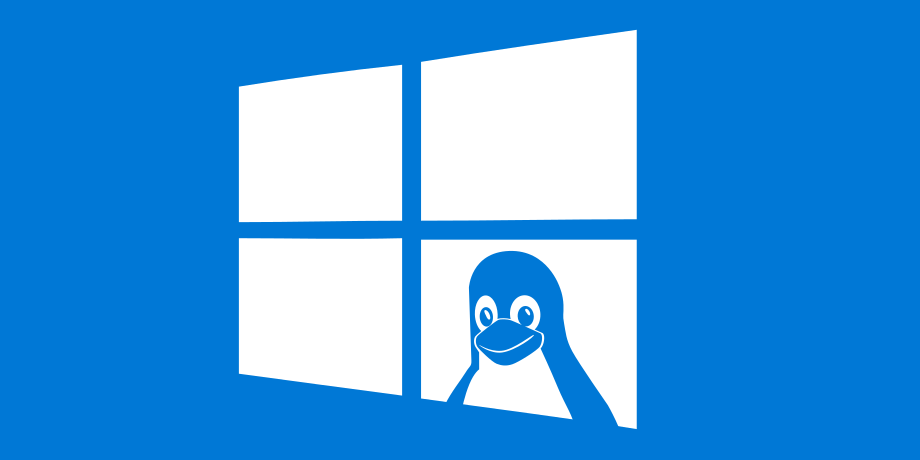
Getting error 0x80071772 when trying to install Ubuntu or any WSL distro from the Microsoft Store? You’re not alone — this is one of the most common WSL installation errors, and the fix takes under 5 minutes. Quick fix: Error 0x80071772 occurs because WSL packages can only be installed on the C drive. If your Windows “New apps will save to” setting points to another drive, WSL installation will fail. Change it to C drive, reinstall, and you’re done. ...

April 25, 2025 · 3 min · 610 words · Louis
Fail to install NVIDIA GeForce Experience? Try this!

Fail to install NVIDIA GeForce Experience? Try this!

A while back, I got my hands on a Lenovo Legion R7000. After reinstalling the professional version of Windows 10 all my data seemed intact, and there weren’t any glaring issues. However, I couldn’t shake the feeling that the system was running slower than before. Things got more interesting when I tried to install GeForce Experience. The installer threw an error, and I started wondering if this was connected to the sluggish performance. My theory was that since the laptop switches between integrated and dedicated graphics, a driver issue on either end could mess with both processing and output, leading to lag and stuttering. ...

February 8, 2025 · 2 min · 359 words · Louis
Is Your Laptop Freezing? Unstable Charging Might Be the Culprit!

Is Your Laptop Freezing? Unstable Charging Might Be the Culprit!

Laptops typically operate in two distinct power modes: battery mode and AC adapter mode. Operating systems differentiate between these modes to optimize performance—prioritizing battery conservation during portable use and unleashing full hardware potential when plugged into a power source. Normally, connecting the AC adapter triggers a switch to high-performance mode, while unplugging reverts the system to battery-saving mode. However, unstable AC power can cause rapid, unintended toggling between these modes. This often manifests as sudden system lag or freezing. ...

February 7, 2025 · 2 min · 298 words · Louis
How to fix \\\"Windows cannot find gpedit.msc\\\" Error on Windows 11 Home?

How to fix \"Windows cannot find gpedit.msc\" Error on Windows 11 Home?

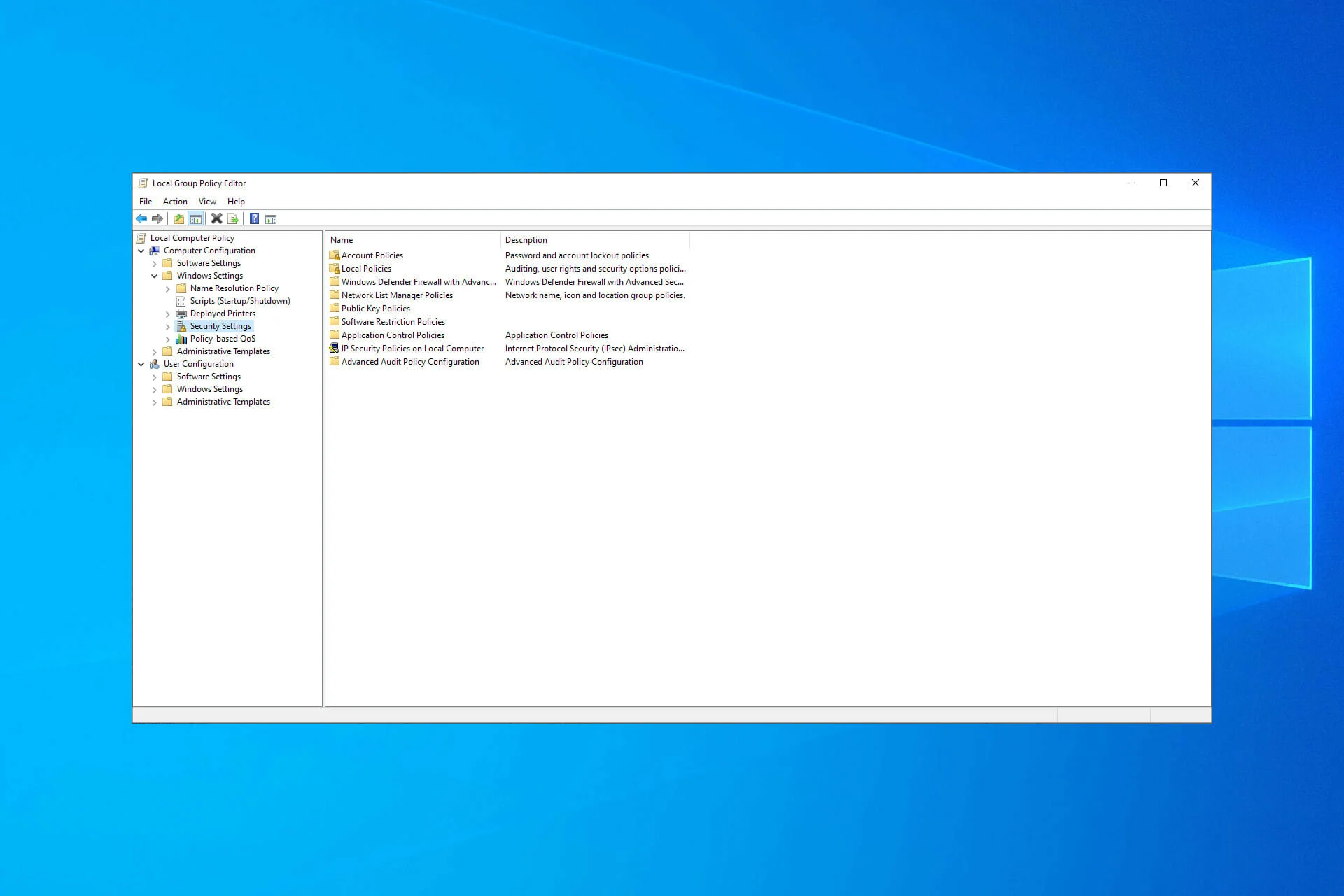
In the process of using Windows 11 Home Edition, many users encounter a perplexing issue when trying to open the Group Policy Editor—“Windows cannot find gpedit.msc.” This leaves those unfamiliar with system management tools confused: Why is this powerful tool missing in the Home edition? In this article, we will explore the reason behind this, and offer two solutions to help you enable the Group Policy Editor on Windows 11 Home Edition. ...

December 30, 2024 · 4 min · 791 words · Louis