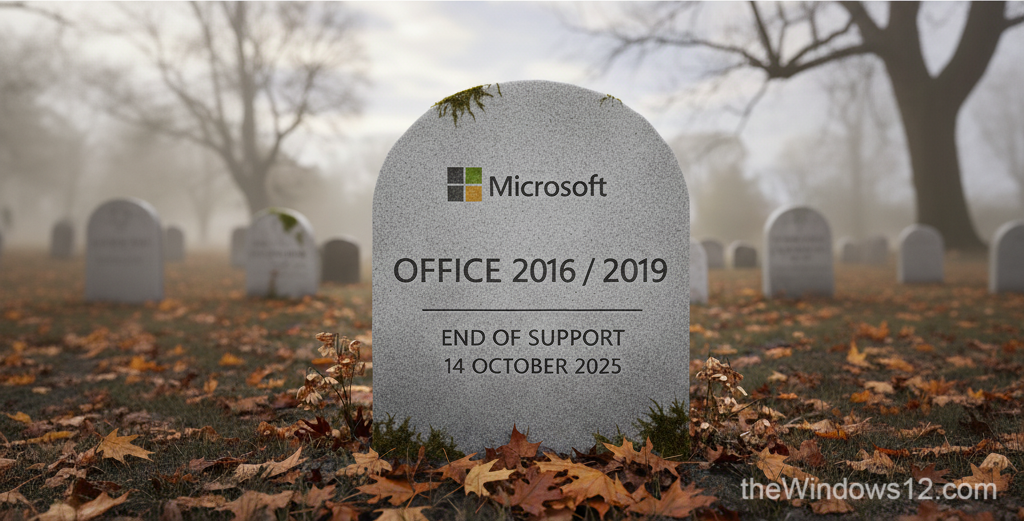
Recently, Microsoft published a blog post about Office 2016/2019 end of support on its Office End Of Support Blog. After October 14, 2025, Microsoft will no longer provide security fixes, bug fixes, or technical support for these products.
Running an outdated and unsupported software can put your device at risk of being compromised by malware, viruses, and other threats. That’s why we strongly recommend switching to a newer Office version, or the better choice - Microsoft 365. If cost is a concern, you can buy Microsoft 365 for as little as $14/year through account sharing — see our sharing guide for details. If you’re curious about alternatives, WPS Office is gaining ground — China’s MOFCOM just adopted WPS format for official documents, signaling a shift away from Microsoft.
This isn’t the only deadline approaching on October 14 — Windows 10 also reaches end of life on the same day, and Microsoft 365 users can get free Windows 10 ESU for one year.
Microsoft 365 is a service that Microsoft encourages organizations and individuals to use. It has a lot of advantages over traditional Office products in many aspects. For instance:
Microsoft 365 is a cloud-based service, which means that your data is stored in the cloud and is accessible from anywhere. You can access your data from your computer, phone, or tablet, and don’t have to worry about losing your data.
Microsoft 365 has a variety of features, including common Office applications, such as Word, Excel, and PowerPoint, as well as additional productivity tools, such as OneDrive with 1TB storage, SharePoint, Teams, and Copilot.
The perpetual Office license can only be activated and used on a single computer, whereas Microsoft 365 allows you to sign in and use the suite on up to five computers simultaneously.
How to get an affordable Microsoft 365 subscription?
You can buy Microsoft 365 from Microsoft Store, but we don’t recommend it. There is a much more cost-effective way - Microsoft 365 Account Sharing (click to learn how it works and where to get it safely).
