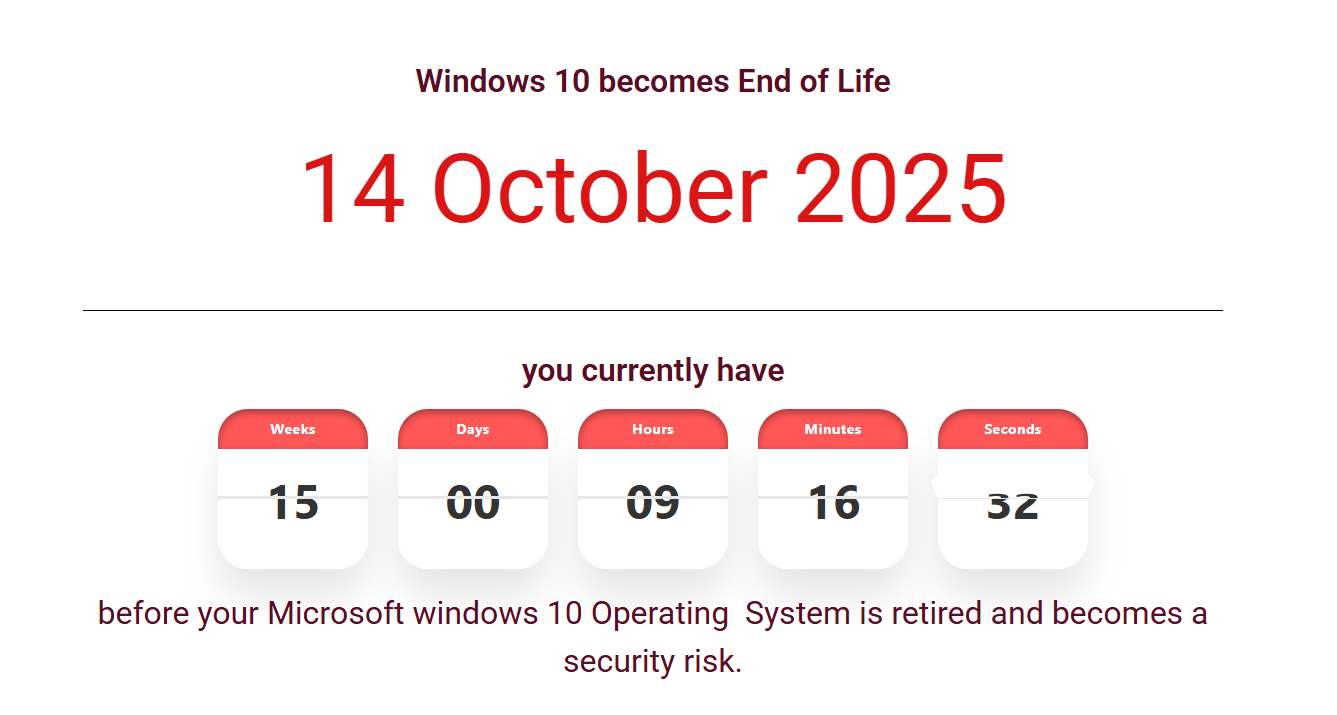
Everybody knows that, after promoting Windows 11 for many years, Microsoft is ending the support to Windows 10. Users will no longer receive the updates after October 14, 2025, unless they get Extended Security Updates (ESU).
ESU was previously a paid only service, but now, Microsoft has provided another choice in free of charge to those who are still not ready for Windows 11 yet. Microsoft 365 users can benefit from this change. For step-by-step enrollment instructions, see our ESU program enrollment guide.
Requirements to get FREE ESU
You can get free ESU if one of following requirements is fulfilled:
- Owning a Microsoft Rewards account with 1000 points.
- Having a Microsoft account logged into your Windows 10 system, and Windows Backup feature enabled to connect to your OneDrive.
It’s hard to win more than 1000 Microsoft Rewards points in a short time, so the second option would be much easier to approach.
Logging in a Microsoft account means that you have to stop using the local account, and this is inevitable. What’s more, syncing system settings occupies space of your OneDrive storage. An ordinary OneDrive account without any suscription and upgrade only has 5GB storage initially, which may not be enough if you have a lot of large files (especially photos and videos) in the directories you choose to back up.
Every Microsoft 365 account has 1TB of OneDrive storage space, so Microsoft 365 users can enable Windows Backup without any pain. That’s why we say the free ESU policy is a perk to Microsoft 365 users.
Affordable Microsoft 365 subscription
We’d like to recommend APSGO where you can buy an affordable Microsoft 365 Personal or Family subscription.
