How to keep my screen ALWAYS ON on Windows 11?

How to keep my screen ALWAYS ON on Windows 11?

Windows 11 automatically turns off the screen or the monitor, if there’s no interaction for a while. This is a default behavior, to save power and protect the privacy. But occationally, I need to keep my screen active while away from my desk, even when it’s on the lock screen. You may have this demand, too. How to do that? Follow these steps: Open the Settings app. You can press the Windows key + I to open it. Go to the System section. Click on Power & battery. Find and unfold the Screen, sleep, & hibernate timeouts section. This is the default setting in my Windows 11: We need to change Turn my screen off after to Never. Once you’ve modified that, Make my device sleep after should be set to Never as well. I’d rather keep the default settings under the situation of On battery, because I don’t want to run out of battery and lose my data. Now, your PC will keep the screen ALWAYS ON and won’t go into hibernate/sleep mode.

December 24, 2025 · 1 min · 174 words · Louis
AVG Internet Security/AntiVirus Business Edition Promotion

AVG Internet Security/AntiVirus Business Edition Promotion

AVG is a well-known brand in the anti-virus industry, providing a wide range of products and services. 2 of their most popular products are AVG Internet Security and AVG AntiVirus Business Edition. AVG Business Cybersecurity Solutions offer tiered protection for your business: Antivirus Business Edition: Shields business endpoints from ransomware, malware, hacker attacks, and other common threats. Internet Security Business Edition: Delivers more comprehensive defense—securing not just endpoints, but also business email and networks against ransomware, spam, phishing, and Zero-Day attacks—all managed via a single unified dashboard. ...

November 10, 2025 · 1 min · 169 words · Louis
Support of Windows 10 Ends Today. Enroll in ESU Program Now to Keep Using It

Support of Windows 10 Ends Today. Enroll in ESU Program Now to Keep Using It

Microsoft had announced the EOL date of Windows 10 as early as the time we published the article Official: Windows 10’s End of Life(EOL) Date. Now, the day has come. Tomorrow, you will no longer recieve any security updates for Windows 10, unless you enroll in the Extended Security Updates(ESU) program. There are three ways to enroll — two of them are free. Microsoft 365 users can get one year of ESU at no extra cost by enabling Windows Backup to OneDrive. If you’re not a M365 subscriber, you can either redeem 1,000 Microsoft Rewards points or pay $30. See our earlier analysis on whether paying $30 for ESU makes sense. ...

October 14, 2025 · 5 min · 958 words · Louis
Time to switch to Microsoft 365 after Office 2016/2019 end of support

Time to switch to Microsoft 365 after Office 2016/2019 end of support

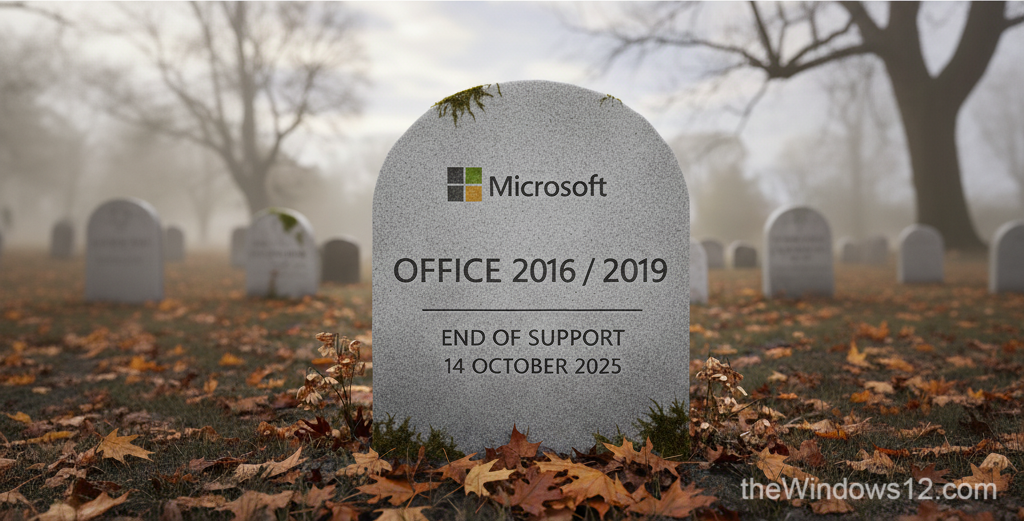
Recently, Microsoft published a blog post about Office 2016/2019 end of support on its Office End Of Support Blog. After October 14, 2025, Microsoft will no longer provide security fixes, bug fixes, or technical support for these products. Running an outdated and unsupported software can put your device at risk of being compromised by malware, viruses, and other threats. That’s why we strongly recommend switching to a newer Office version, or the better choice - Microsoft 365. If cost is a concern, you can buy Microsoft 365 for as little as $14/year through account sharing — see our sharing guide for details. If you’re curious about alternatives, WPS Office is gaining ground — China’s MOFCOM just adopted WPS format for official documents, signaling a shift away from Microsoft. ...

September 19, 2025 · 2 min · 341 words · Louis
How Microsoft 365 Account Sharing Works and Where to Get It Safely

How Microsoft 365 Account Sharing Works and Where to Get It Safely

Sharing a Microsoft 365 subscription is by far the most cost-effective way to enjoy the service. For a full breakdown of pricing and discount options, see our guide on how to buy Microsoft 365 cheap. Many people have heard of Microsoft 365 “carpooling” (account sharing), but don’t really know how it works. In this article, I’ll break down the logic behind it. At the same time, since many private sharing groups carry risks of being scammed, I’ll also recommend safe and reliable channels so you can enjoy Microsoft 365 worry-free. ...

September 13, 2025 · 4 min · 705 words · Louis