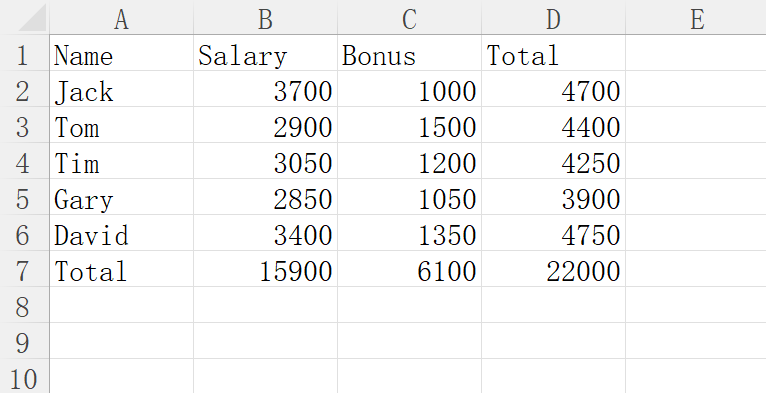
When we process a large amount of data in Excel, we often need to sum. For more Excel productivity tricks, see how to beautify tables with Ctrl+T and wrap text within cells.
The common method is to write a formula in a cell, then drag the mouse to apply the formula to other cells in the same column or row.
However, this method is not efficient enough. We have a shortcut key that allows you to complete the above work with one click.
If you don’t believe it, you can watch the video below:
You see, this operation is like magic. How to do it specifically?
- Select the area to be summed, including the cells where the results will be stored;
- Press the shortcut key Alt+= to complete the sum in an instant.
Making good use of these tips can greatly improve work efficiency. Do you like this kind of articles? You can access related collections through the following tags:
