
Some may encounter issues with Office activation failure. The specific issue is that even though the computer is connected to the internet and the system is activated, when you open Office, it prompts for a trial, purchase, or to enter a product key. If you need to manage your product key instead, see our guide on how to read, install and uninstall a Windows product key. And if Office 2016/2019 is prompting you to upgrade, it’s because those versions have reached end of support — switching to Microsoft 365 is the recommended path.
See the screenshot below: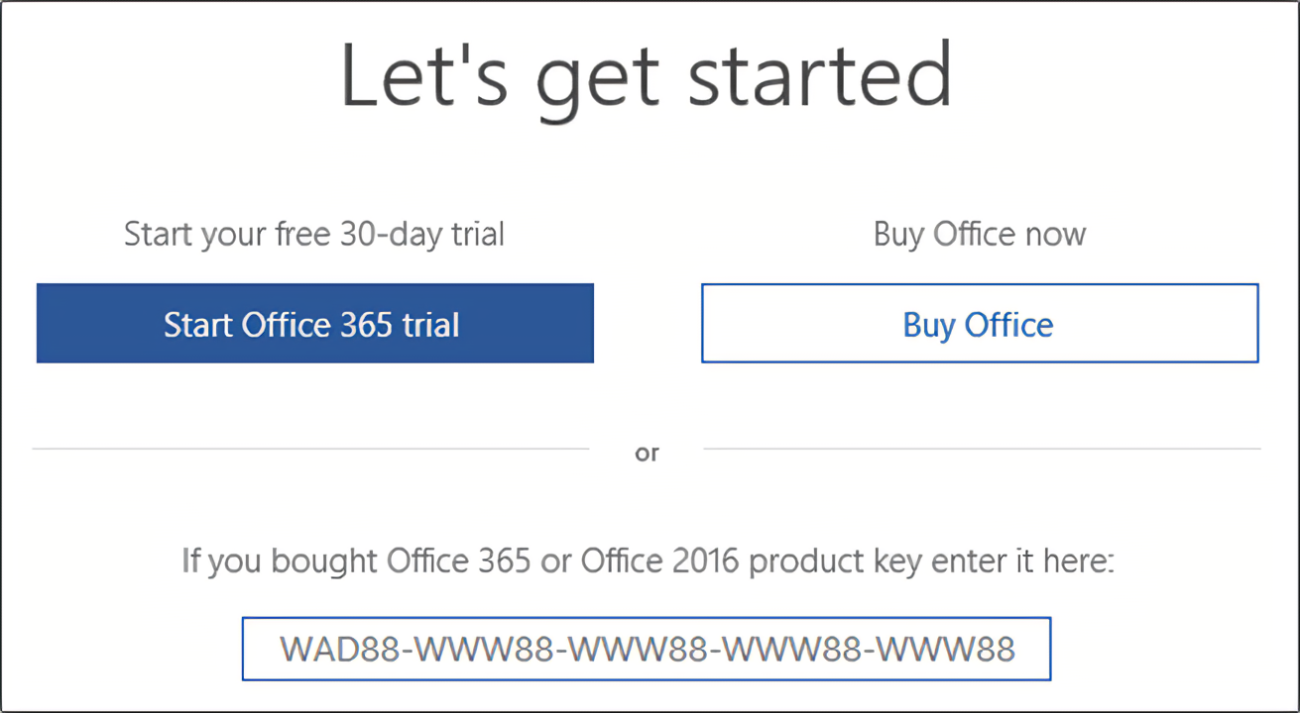
To address this, Microsoft has built an official tool that clears the activation information, allowing for re-activation. Download link: http://aka.ms/diag_97275
If your browser warns with messages like “The file may be harmful” or “Cannot download safely” during the download process, you can proceed with confidence. This is an official Microsoft program and is completely safe.
After downloading, double-click to run the tool and follow the prompts to complete the repair. Once the process is finished, restart your computer, open Office, and log in to your Microsoft account to activate as prompted.
