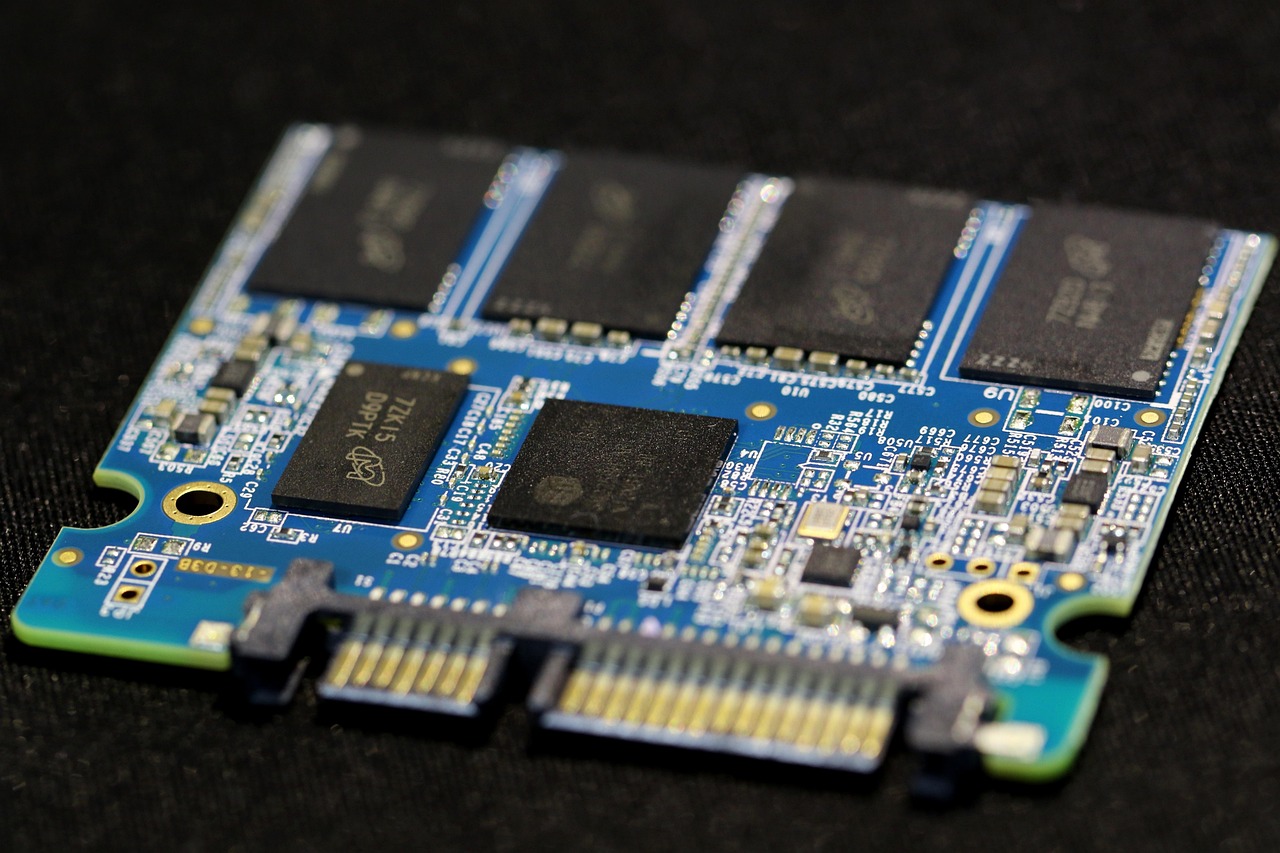
Actually, this question can easily be rephrased as, “Do hard drives need to be partitioned?” But as the cost of SSDs has dropped and they’ve become almost standard, many people have brought this old question into the present.
To answer directly: Not necessary, it depends on your needs.
The principle behind it
Some tech enthusiasts often tell beginners, “C drive is for the system, D drive is for software, and E drive is for files. Don’t put software and files on the C drive, or it will slow down.” The beginners nod in agreement, only to end up with an overloaded C drive and empty D and E drives. If it’s just for file management, partitions and folders serve nearly the same purpose.
Back when SSDs were expensive, it was common to have a small SSD paired with a large mechanical hard drive. People would say, “Install the system on the SSD, no need to partition, but partition the mechanical hard drive.” However, I also currently use an SSD+mechanical setup, with my SSD partitioned and the mechanical drive as a single partition. It runs perfectly stable.
Technically speaking, there’s no fundamental difference whether you partition or not. Many people coming from a Windows background have been conditioned to believe that partitioning is necessary. But the world isn’t limited to Windows—there’s Linux, Unix, macOS, and so on, and none of them strictly require partitioning, some don’t even have the concept of it.
I once wrote an article titled “How to create/merge partitions, change drive letters on Windows 11” You might ask, “Didn’t you say partitioning isn’t necessary? Why are you teaching it then?”
Because whether to partition depends on your “needs.” As I mentioned, my current computer has partitions, and the reason is to protect my data. As someone who likes to tinker with things, even with tools like Windows Sandbox, I could still mess up my system one day. And while there are many ways to recover a system, what if it comes to the point where I have to reinstall? In that case, partitioning would save my important data, as I can just wipe the system partition during reinstallation. That’s the real benefit of partitioning for me.
Now, let’s return to the technical question –
Does partitioning affect hard drive speed or lifespan?
In my opinion, for SSDs, there’s no difference in speed whether partitioned or not. For mechanical drives, not partitioning might even result in slightly faster speeds. SSDs use flash memory chips to store data, with very low latency, so it doesn’t matter which chip the data is on. Mechanical drives, on the other hand, use a read/write head to access data on spinning disks, which inherently have high latency due to their mechanical structure. To reduce this latency, the data should be stored as continuously as possible, and partitioning can actually fragment it.
As for lifespan, mechanical drives’ longevity depends on their power-on time and usage environment, while SSD lifespan is related to the number of write/erase cycles. Some SSD manufacturers offer software that includes features to extend drive life and slow down speed degradation. This software often reserves about 20% of the SSD’s capacity as a hidden partition, which the user doesn’t access, thereby reducing the overall wear on the drive. However, user-created partitions are meant to be used and will still experience frequent writes, so partitioning doesn’t extend the lifespan of the SSD. Nowadays, consumer SSDs often come with a five-year warranty, which reflects the manufacturers’ confidence that, under typical home use, the amount of data written will be quite limited.
We’ve also noticed that OEM machines often come with just one partition. If partitioning truly offered technical or performance benefits, why wouldn’t the R&D experts implement it?
Finally, if you can, I recommend using an SSD for all computers. It’s really not that expensive anymore—just check out the SSD section on Amazon.
