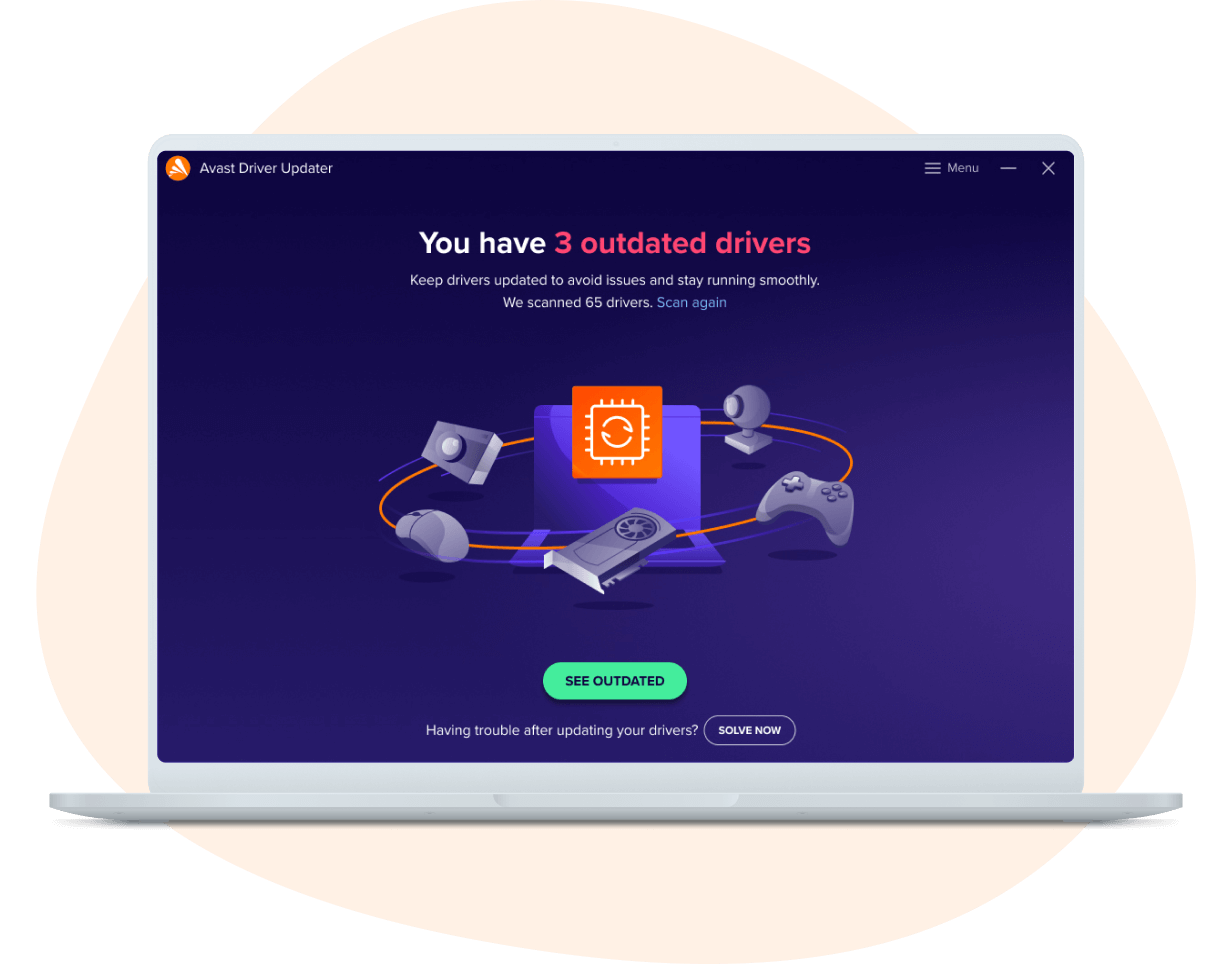
Drivers, often seen as the unseen bridge between computer hardware and operating systems, play an indispensable role, quietly ensuring that your devices run smoothly. These invisible workhorses are responsible for making sure your hardware operates efficiently and stably. However, unlike operating systems that receive regular updates, drivers are often neglected. For more software discounts, see APSGO Coupons and our Avast Internet Security promotion for business-grade security at lower prices. Have you ever encountered hardware incompatibilities, degraded performance, or system crashes due to outdated drivers? Such scenarios are not uncommon. Therefore, keeping drivers up-to-date is crucial to maintaining system stability and performance.
Yet, updating drivers is not as straightforward as updating regular software. While Windows offers an automatic update feature, it does not cover all hardware, especially non-standard devices and peripherals. This is where third-party tools like Avast Driver Updater come into play. But is it truly worth trying, as a driver updater tool, for Windows users?
The Role of Drivers

The role of the driver is to help you navigate the streets, avoid gangsters and bullets… Just kidding, its role is actually to connect the hardware and software together.
When you power up your computer, the interaction between the operating system and hardware is almost seamless. Hardware devices—such as graphics cards, network adapters, printers, and more—connect with the operating system through drivers. These programs act as the “interpreters” between hardware and software, ensuring that the hardware functions as expected and shares data with other applications using system resources.
For instance, when you launch a game or a graphically intensive application, it is the graphics driver that handles rendering the graphics data and sending it to your display. If the driver is outdated or buggy, it may cause graphical glitches, reduce frame rates, or even crash the game. Similarly, the network adapter driver ensures you can connect to the internet or a local network. An outdated driver may result in slower network speeds or, worse, connection drops.
The Importance of Driver Updates
Updated drivers reduces instability
- Improved Performance and Stability
Updating drivers generally leads to hardware optimizations. For example, a graphics card driver update can enhance performance, add support for new games, or fix compatibility issues with older games. Network driver updates help improve stability and speed, particularly for Wi-Fi adapters, which can benefit from a more reliable connection and fewer dropouts. - Enhanced Security
Drivers are the interface between your computer’s hardware and the rest of the system. If there are security flaws in your drivers, malicious actors may exploit these weaknesses to launch attacks. Keeping drivers updated is one of the most effective ways to protect your system from malware and cyber threats. Many driver updates include security patches that address discovered vulnerabilities. - Support for New Hardware and Operating Systems
Whenever Windows releases a new version, hardware manufacturers often tweak their drivers to ensure compatibility with the new OS. If you’re using newer hardware or a new version of Windows, it is crucial to update your drivers to ensure everything functions smoothly and without interruption.
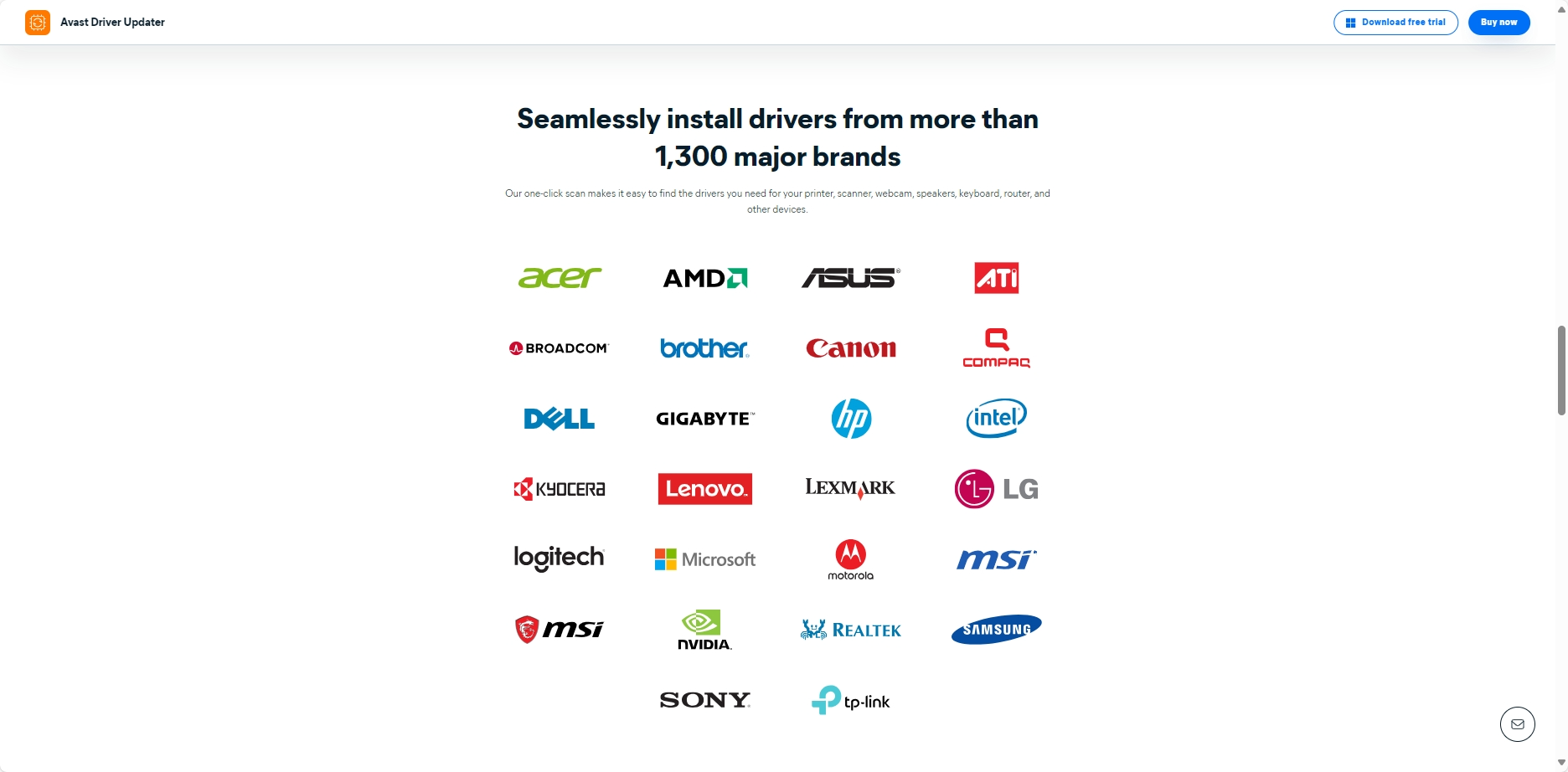
All drivers come from official providers
Common Methods of Updating Drivers
For most users, the default Windows driver update feature handles the basic needs of common hardware. But the issue arises when it comes to updating non-Microsoft hardware, such as graphics cards, printers, or audio devices.
Manual Driver Updates
If you want to ensure that every device on your system has the latest drivers, you can manually visit the hardware manufacturer’s website, download the appropriate drivers, and install them. Although this method is precise, it is time-consuming, especially when you have a multitude of peripherals. Each device requires visiting its respective website to check for updates, making the process cumbersome and prone to errors.
Automatic Driver Updates
Another option is to use Windows’ automatic update feature. While it ensures that common drivers are updated in a timely manner, it has limitations. Windows Update often provides only the most basic drivers, potentially missing out on important updates. Moreover, Windows doesn’t notify users regularly about available driver updates, leading to outdated drivers lingering on the system and causing potential compatibility or performance issues.
Avast Driver Updater: Is It Worth It?
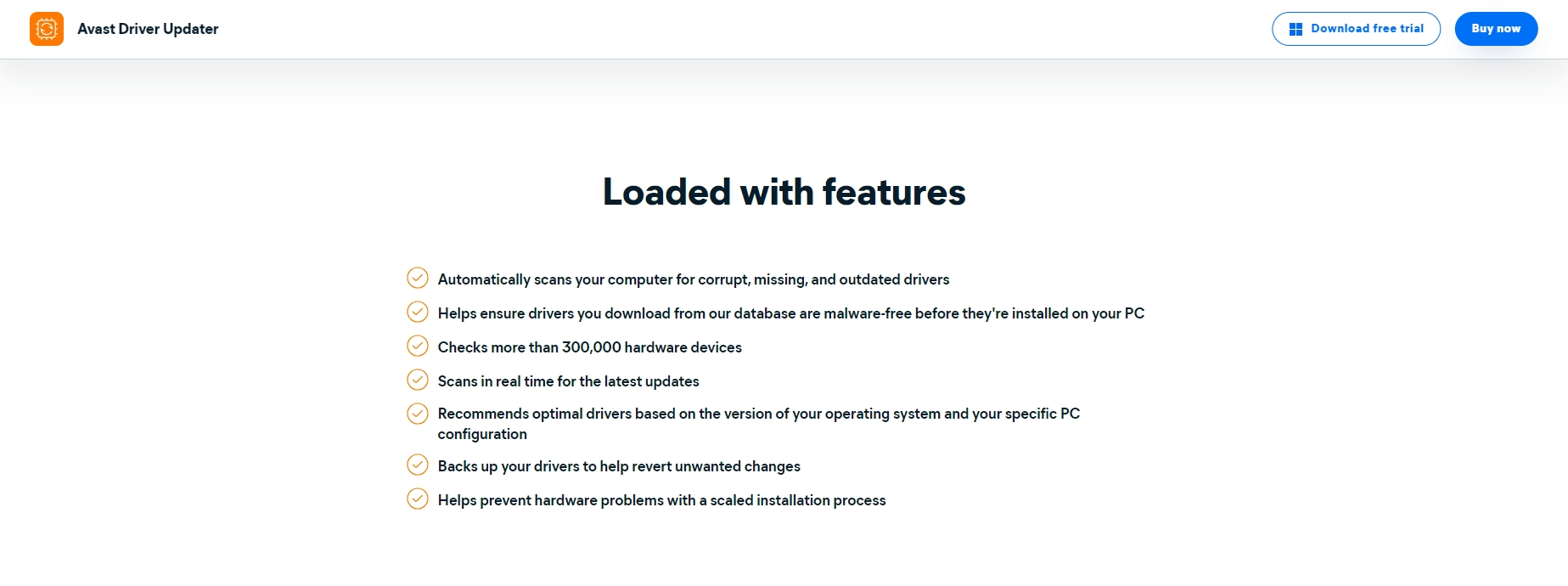
In between manual updates and Windows’ automatic updates lies Avast Driver Updater, a powerful solution. This driver updater tool scans your system for hardware drivers, checks which ones are outdated, and automatically downloads and installs the missing drivers. Unlike other driver update tools, Avast Driver Updater helps resolve various issues caused by outdated or incorrect drivers.
Comprehensive System Scans
Avast Driver Updater performs a thorough scan of your computer, identifying which hardware devices are running outdated drivers. Unlike Windows’ automatic updates, Avast provides the most compatible and up-to-date drivers for each device, ensuring optimal performance.
Driver Backup and Restore
After updating a driver, there’s always a chance that the new version might not be compatible with your system, causing instability. Avast Driver Updater includes a backup feature, allowing users to back up their current drivers before updating. This way, if any issues arise, you can easily restore the previous driver version, ensuring a hassle-free experience.
Streamlined Update Process
With Avast Driver Updater, users no longer need to hunt down drivers for each individual piece of hardware. The tool offers a user-friendly interface that allows for one-click updates, drastically simplifying the process and saving users time.
Enhanced System Stability and Security
By regularly scanning for and updating drivers, Avast Driver Updater ensures that your system remains secure. Updating drivers helps prevent security vulnerabilities caused by outdated drivers, making your system less susceptible to malware and cyberattacks. Additionally, updated drivers improve the efficiency and reliability of your hardware, boosting overall system stability.
Benefits of Using Avast Driver Updater
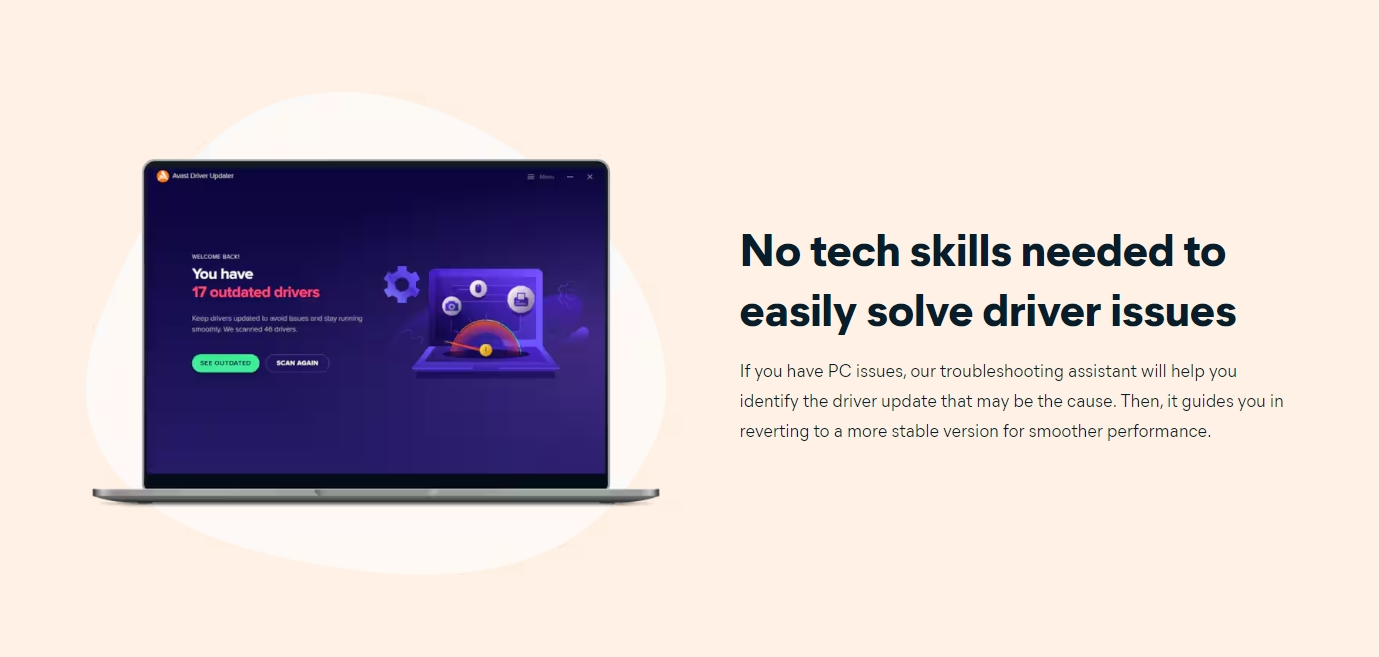
- Time and Effort Savings
No more manually searching for drivers or worrying about missing updates. Avast sends you regular reminders and automates the entire update process, saving you valuable time and effort. - Avoid Driver Conflicts and Incompatibility Issues
Avast ensures that all installed drivers come from official sources, minimizing the risk of using third-party drivers that might cause instability or incompatibility with your system. - Improved Hardware Performance
Driver updates often come with performance optimizations. Especially for graphic cards, audio devices, and Wi-Fi adapters, the latest drivers ensure better compatibility and a smoother user experience. - Additional Security Measures
Avast Driver Updater protects you from security risks by ensuring your drivers are always up-to-date. By eliminating outdated drivers, you minimize the exposure to security vulnerabilities and reduce the chances of cyberattacks.
How to Buy Avast Driver Updater at a Discount?
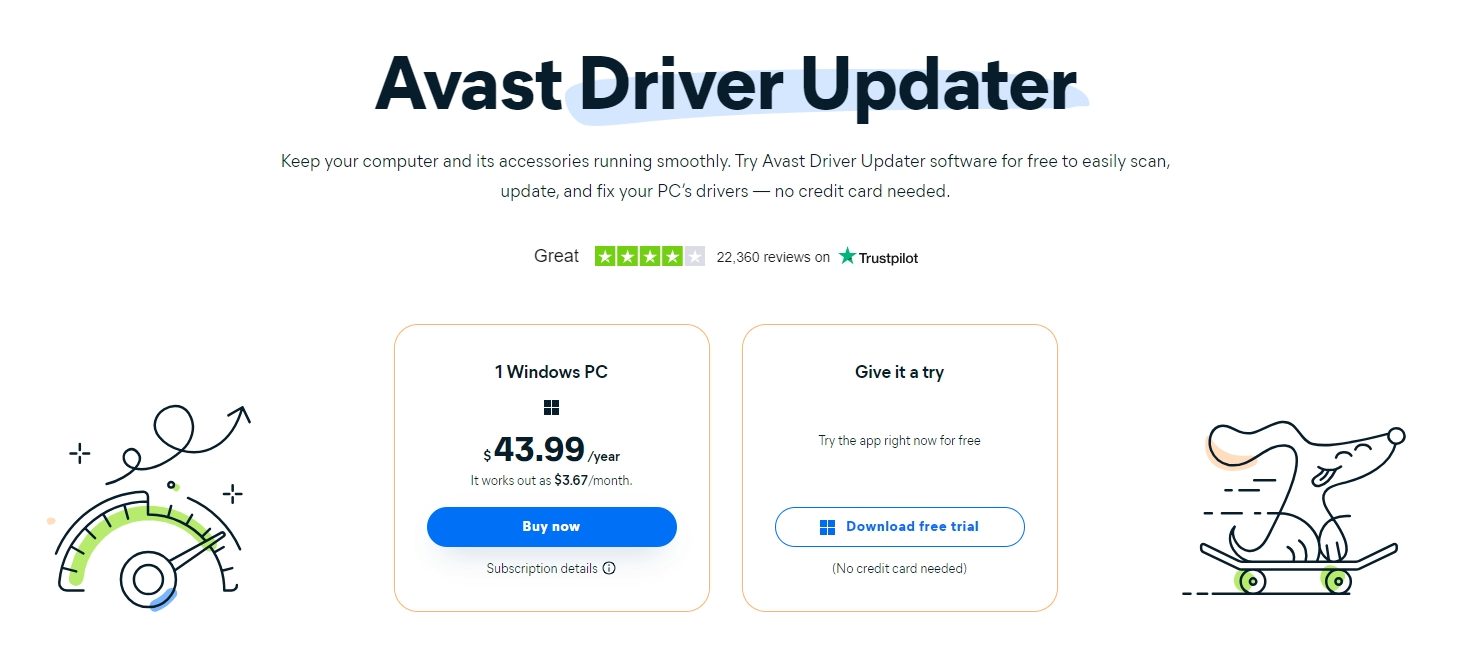
If you’ve decided to use Avast Driver Updater to keep your system protected, now is the perfect time to purchase the tool at a discounted rate! The official price is $43.99/year, but through the APSGO store, you can grab it for just $12.48/year, nearly a third of the official price! Not only will you save money, but you’ll also receive the same high-quality service and features.
This is the screenshot from Avast official site:
And this is from APSGO:
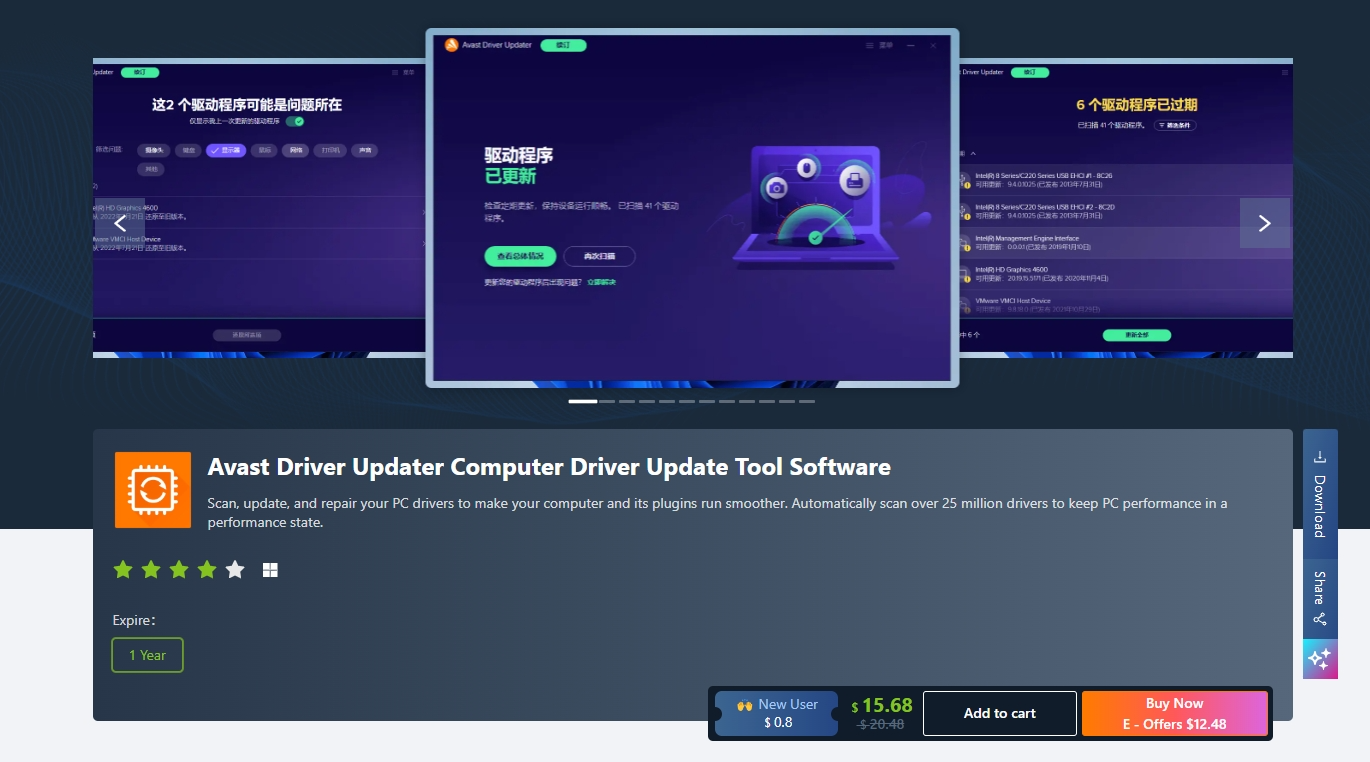
By purchasing through APSGO store, you gain access to the same features and updates as the official site, but at a far more affordable price. Avast’s exceptional customer support will also be available to assist you with any issues, ensuring that your drivers are always up-to-date and your system is running smoothly.
FAQ: Avast Driver Updater Frequently Asked Questions
Here are some frequently asked questions about Avast Driver Updater, which will help you better understand this tool:
- What does Avast Driver Updater do?
Avast Driver Updater scans your computer for outdated drivers, identifies which ones need updating, and allows you to download and install the latest versions. It also offers a backup and restore feature to ensure the update process is safe. - Will Avast Driver Updater affect my computer’s performance?
Avast Driver Updater is designed to optimize performance without compromising your computer’s overall speed. In fact, updated drivers improve hardware compatibility and performance, leading to a better overall experience. - Do I need to keep subscribing to Avast Driver Updater?
Yes, to ensure your drivers stay up to date, it’s recommended to maintain an active subscription. Once subscribed, you’ll receive regular notifications and automatic updates to keep your drivers current. - Does Avast Driver Updater support all hardware?
Avast Driver Updater supports a wide range of hardware, including graphics cards, sound cards, printers, scanners, network adapters, and more. It covers the majority of mainstream hardware manufacturers. - System requirements
Windows 10 and Windows 11 compatible. PC with Windows 11, 10, 8.1, 8 or 7 (both the 32- and 64-bit versions, excluding Mixed Reality, Mobile, IoT, Starter and RT editions), 1 GB RAM and 2 GB of hard disk space. An internet connection is needed to download and install the program.
With Avast Driver Updater, you can keep your Windows system running efficiently, stably, and securely. If you want to avoid the hassle of manually updating drivers and enjoy a simpler, more automated driver management experience, this tool is certainly worth considering.
